OpenClaw Use Cases: The Marketing Jobs My Agent Team Runs Every Week


Most OpenClaw use cases you see online stop at a personal assistant that sorts email and books meetings. Your marketing team needs more than that, and the gap between a demo and a working system gets expensive fast. Agents that can’t qualify leads, ship content, or recover from a broken job end up as one more tab nobody opens.
My agency has run OpenClaw since the middle of February. In April I wrote up how I built a real marketing team on OpenClaw, with five named agents, a shared company brain, and scheduled jobs across sales, content, SEO, and recruiting. The most useful lessons came from where it broke.
Below are the seven marketing jobs OpenClaw runs for my team, the design rules that keep it stable, and the failure points you should plan for before you start.
TL;DR
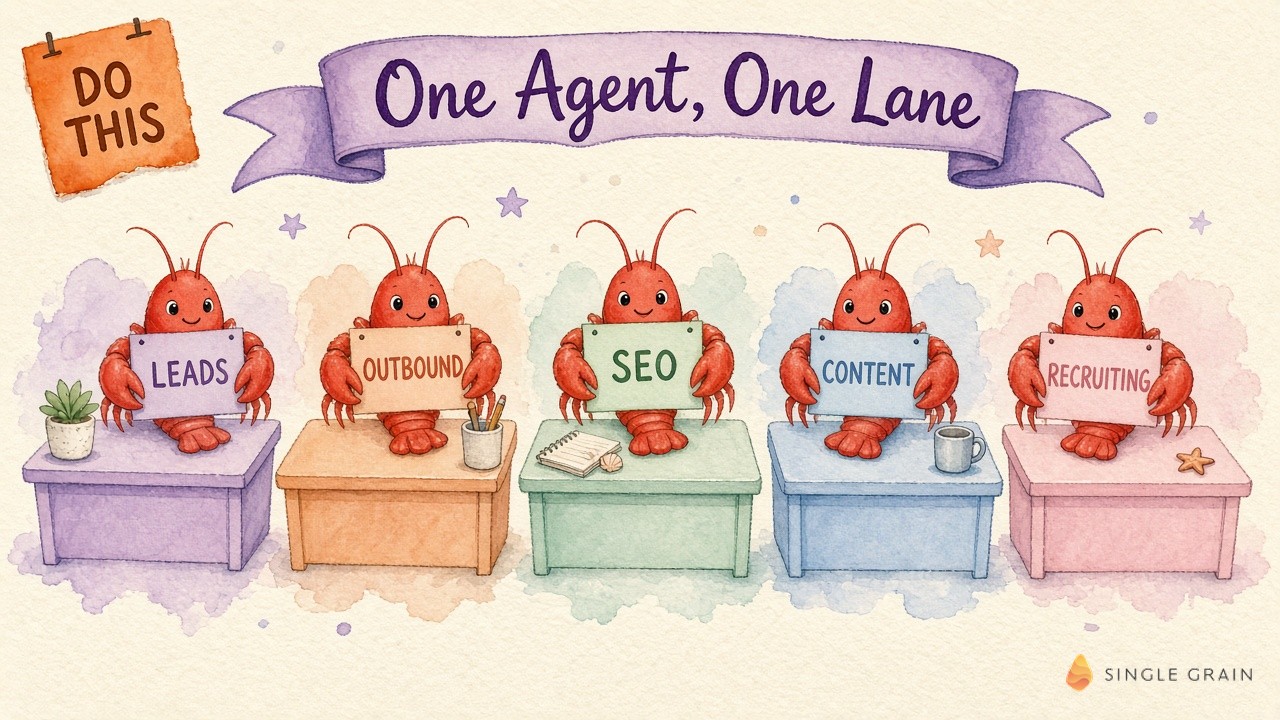
- OpenClaw works best as a team of narrow agents. Each agent owns one lane, such as SEO, pipeline, content, or recruiting, with its own memory.
- The highest-value jobs sit close to revenue. Lead qualification, outbound, and content production paid back fastest for my team.
- It breaks regularly. Cron jobs fail, APIs change, and the gateway gets overwhelmed, so self-healing checks are part of the build.
- Security and approvals come first. Gate anything that sends externally and keep private data in scoped memory.
What Is OpenClaw?
OpenClaw is an open-source AI assistant that runs on your own hardware and talks to you through chat apps like Slack, Teams, and Telegram. Models are swappable plugins, and skills and plugins extend what each assistant can do.
Why Teams Use OpenClaw for Marketing
OpenClaw runs continuously, holds memory, and executes scheduled jobs without someone prompting it. That combination suits marketing work, which is full of recurring tasks like lead routing, reporting, and content monitoring.
How My Setup Is Structured
My setup has five agents, each with a name and a lane. Alfred is the chief of staff, Oracle runs SEO and analytics, Arrow handles the sales pipeline, Cyborg recruits, and Flash creates content. A world agent sits above them and coordinates, while a shared knowledge base ingests company data every fifteen minutes. Private material like financials and hiring notes stays in a scoped memory only I can reach.
With that structure in mind, here are the jobs it runs.
7 OpenClaw Use Cases for Marketing Teams
These seven jobs run every week at my agency. I’ve ordered them by how directly they touch revenue.

1. Inbound Lead Qualification
Arrow works as an inbound BDR three times a day. It checks HubSpot for new leads, enriches them with firmographic data, scores them, and posts lead cards to a Slack channel with approve and reject buttons. Sales sees a qualified card with context before opening the CRM. For the speed side of this job, see how speed-to-lead agents call every inbound lead in sixty seconds.
2. Outbound and Cold Email Infrastructure
OpenClaw can handle the full cold email setup. As I explain in the Leveling Up video on these use cases, it buys domains, sets naming conventions, builds sequences, sends, and optimizes. Reply tracking runs every four hours and routes positive replies to the right person. My guide to AI outreach agents and cold email covers the infrastructure decisions.
3. SEO and Analytics
Oracle watches Search Console and analytics data, finds keyword gaps, and passes them to the content agent. My SEO team built a companion agent to work alongside Oracle. The handoff from insight to draft now takes about a day instead of a planning cycle.
4. Content Production
Flash runs a small content factory. An X trend scanner checks key accounts and topics twice a day, a YouTube competitive analysis flags outlier videos in my niche, and podcast episodes get broken into post drafts automatically. One episode becomes six to eight pieces of content without manual repurposing.
5. Recruiting
Cyborg sources candidates overnight across open roles and writes a scored profile for each one. A preference model learns from my approvals and rejections, so the next batch improves without anyone rewriting the brief.
6. Chief of Staff Work
Alfred sends a calendar preview every evening and a morning brief with priorities and overdue tasks. Before discovery calls, it pulls deal context and past call notes, and afterward it extracts next steps with owners. If I promised a prospect a case study and forgot, the system flags it. My walkthrough on building an AI chief of staff covers a similar setup.
7. Research and Experiments
A research job runs every Friday, scanning what other builders are doing with agents and saving the best ideas for my Sunday review. An experiment loop tests subject lines, angles, and send times on outbound campaigns. In my setup, question-style subject lines beat statements after four weeks of testing, and the winner rolled into the next batch automatically.
Seven jobs sounds tidy on paper. The real work starts after setup.
Where OpenClaw Breaks
OpenClaw breaks often, and you should plan for it from day one. My first month was rough. Agents hallucinated, data was wrong, and automations broke in the middle of the night.
Failed Jobs and Changing APIs
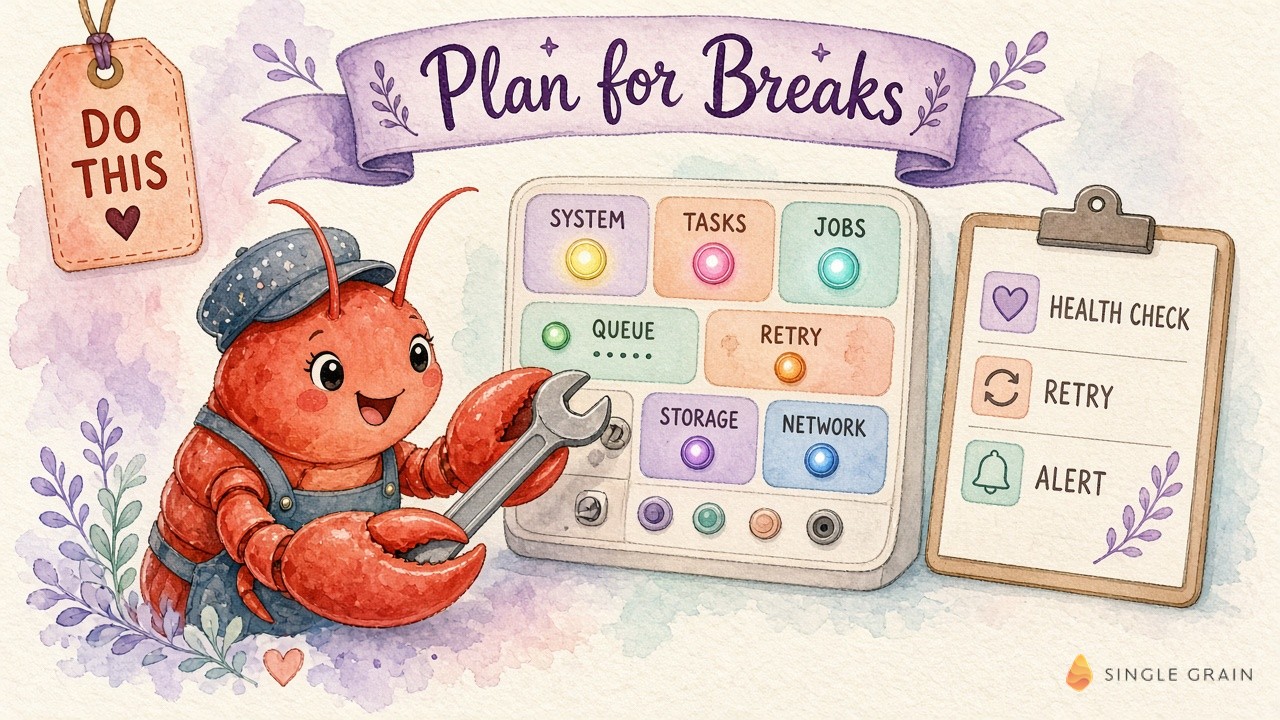
Some mornings, several scheduled jobs fail overnight. An API changes its response format, a rate limit gets hit, or a script expects a HubSpot field someone deleted. A cron doctor now runs twice a day, reads error logs, and repairs most failures before I notice. The rest I fix by hand and add a rule so they don’t repeat.
Gateway Overload
As you add more work, OpenClaw can bog down. Agents stop responding and the gateway needs a restart. Job separation helps, and a more reliable partner agent covers the gaps. I wrote about keeping work from leaking across ten to fifteen Hermes and OpenClaw agents running at once.
Rising Costs
Token costs add up as the team relies on agents more. A partial shift from cloud APIs to local inference cut my costs by roughly 70%. Open models still have limits, so frontier models handle the hardest building tasks.
| Pro-Tip |
|---|
| Set up a daily health check for every scheduled job before you add a new one. Failures should surface in a log before a teammate asks where the morning report went. |
Those failure points shaped the rules my team now follows for every new agent.
Design Rules That Keep OpenClaw Stable
Six principles keep the system from collapsing under its own weight.
- Language models handle judgment, scripts handle everything else. Deterministic work belongs in code, since pushing it through a model breaks in random ways.
- Never instruct twice. The first time a recurring task comes up, it’s manual. The second time, it should already be a skill or a scheduled job.
- Gate everything that crosses a boundary. Inbound content runs through a security scanner, and outbound content passes an approval gate.
- Self-healing beats monitoring. The system should fix what it can and report the rest.
- Flat files beat databases. Memory and configs live in Markdown or JSON files anyone can open and read.
- Give the system time to compound. Month one is painful, and the payoff shows up once the shared knowledge base holds months of data.
I wish I had planned for security on day one. This framework for AI agent guardrails is the best starting point today.
How to Roll Out OpenClaw Marketing Agents to Your Team
Personal agents only go so far. The real gains come when the whole team works with them.
Put Agents Where People Already Work
My agents live inside Slack, where teammates query them, pull data, and strategize with them. The Slack AI agent setup rules cover channels and permissions.
Give Each Person a Scoped Agent
My team is rolling out personal agents through NVIDIA’s NemoClaw, which adds sandboxing and policy controls to OpenClaw. Each person gets an agent configured to their role with the right data access, connected to the same shared brain.
Measure Adoption Weekly
A weekly check-in in Slack asks each person what they automated. Responses get scored and logged, which shows who needs coaching. Pair that with a weekly AI agent monitoring report so you track both people and agents.
A team rollout turns OpenClaw from a founder’s toy into shared infrastructure.
Is OpenClaw Worth It for Marketing?
For my agency, yes. The first months feel like going backwards, and you need patience while agents make mistakes with real data. Once the shared knowledge base fills up, each agent’s output improves, and the system starts making connections people missed.
Judge it by outcomes in each agent’s lane. Qualified leads, positive replies, published drafts, and failed-job rates tell you more than a feature list. If a lane doesn’t improve after a couple of months, simplify it or shut it down, and put the effort into the jobs that compound.
If you want these marketing jobs running without months of trial and error, Single Grain’s AI transformation services team builds and manages OpenClaw agent fleets for growth-stage companies. Contact Single Grain to pick the first job your agents should own.
Frequently Asked Questions About OpenClaw Use Cases
-
What can OpenClaw do for marketing teams?
It can qualify inbound leads, run cold email infrastructure, monitor SEO data, produce content drafts, source recruiting candidates, prepare meeting briefs, and run research and testing jobs on a schedule.
-
Is OpenClaw secure enough for business data?
It can be with the right setup. Scope private data to restricted memory, run inbound and outbound security gates, keep send actions behind approval, and consider NVIDIA NemoClaw for sandboxing and policy controls.
-
Why does OpenClaw stop responding?
Overloaded agents and gateways are a common cause. Split agents by job, run a daily health check on scheduled jobs, and restart the gateway when it gets overwhelmed.
-
How do I keep OpenClaw agents from using stale knowledge?
Feed a shared knowledge base on a schedule, keep memory in readable flat files, and review a weekly monitoring report so outdated facts get corrected.
-
How do I judge whether OpenClaw is working?
Track outcomes tied to each agent’s lane, such as qualified leads, positive replies, or published drafts, along with failure rates for scheduled jobs.