How to Use CRM Retargeting to Win Back Quiet Leads


If your pipeline is full of leads who booked a call and then went silent, CRM retargeting is one of the fastest ways to restart the conversation. Those people already know your brand. They gave you an email, sat through part of a funnel, and drifted off before buying. Don’t give up on them now!
Here’s what I see time and time again: Most ad budgets chase new strangers while these warm leads sit untouched in the customer relationship management (CRM) system. A targeted ad, timed to where each person stalled, can bring many of them back, often for less than a cold click.
In this article, I will show you how to segment quiet leads by stage, pick the right ad platforms, write messages for each group, and measure win-backs inside your CRM. But first, let’s briefly go over what CRM retargeting is.
TL;DR
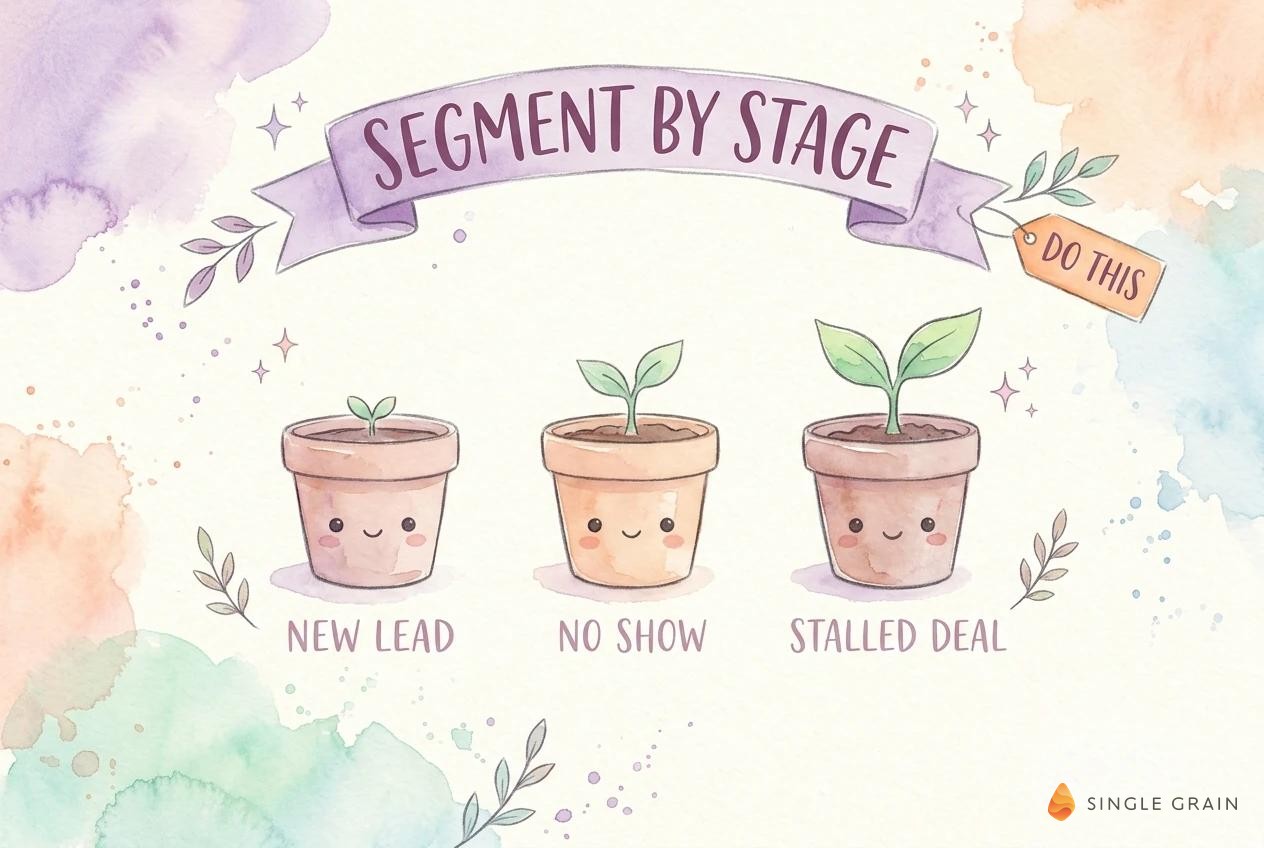
- Build audiences from CRM stages. Segment quiet leads by where they stalled, such as new leads, demo no-shows, and stalled deals.
- Upload lists to the platforms you already use. Google, Meta, and LinkedIn all match CRM contact lists to their own users.
- Match the message to the stage. A no-show needs an easy rebook, while a stalled deal needs proof and a reason to act now.
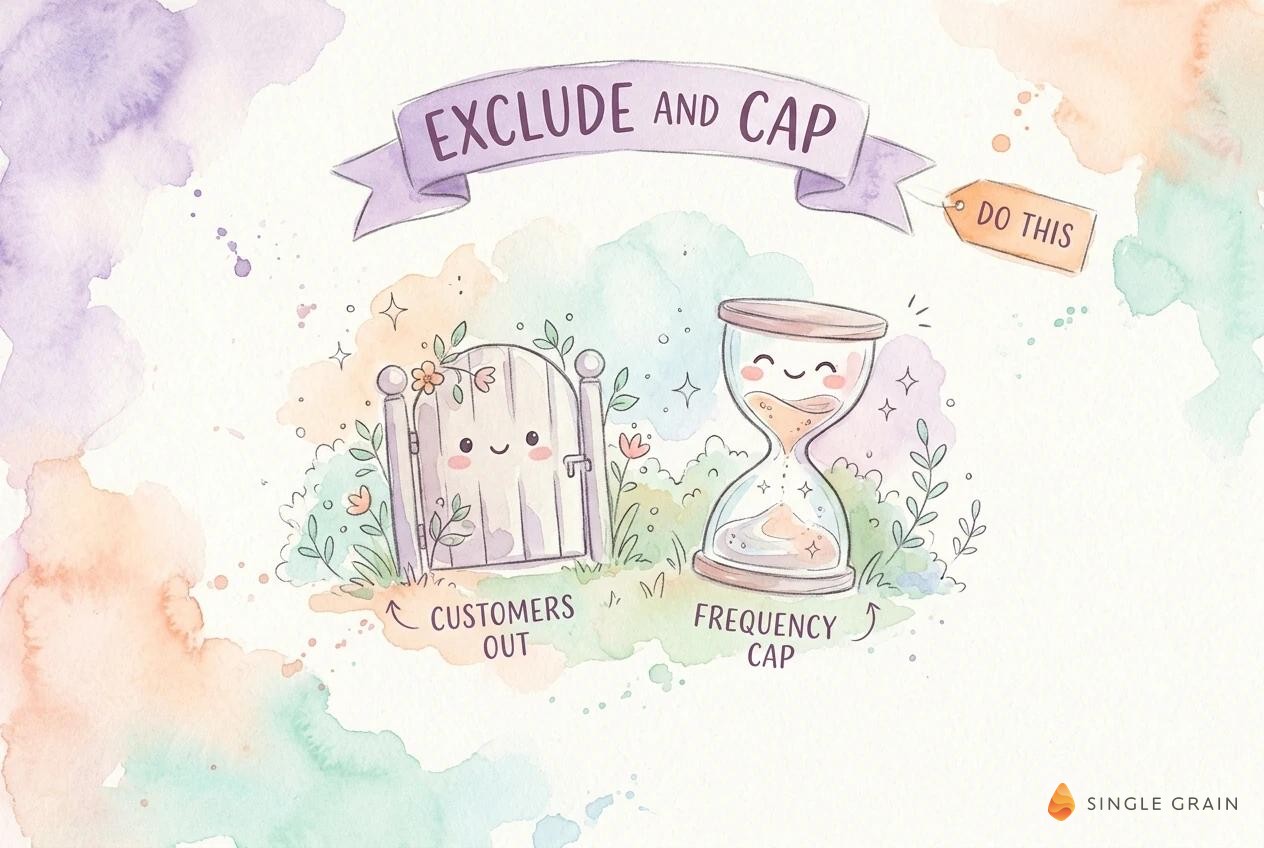
- Exclude customers and cap frequency. Keep buyers out, limit how often each lead sees an ad, and refresh lists on a schedule.
What Is CRM Retargeting?
CRM retargeting simply means showing ads to people based on records in your CRM. You export or sync a list of contacts, the ad platform matches them with its users, and your ads reach those people across search, social, and video. It works alongside website retargeting, which follows visitors through a tracking pixel.
If you’re new to this, my guide to retargeting basics explains why retargeting belongs in every funnel. The terms get mixed up a lot, so my breakdown of retargeting vs. remarketing is worth a quick read too. Definitely check it out!
CRM Lists and Pixel Audiences
Each audience type has a different strength:
- Pixel audiences. Built from website visits, so they capture anonymous browsers but fade as cookies expire.
- CRM lists. Built from people who gave you their details, so you can target by deal stage, lead score, or last activity.
CRM lists also hold up better as browsers limit tracking. My guide to cookieless retargeting covers this shift in more detail. Before you build any audience, though, check where your lists can run.
Ad Platforms for CRM Audiences
Every major ad platform accepts CRM lists, with its own rules. Plan around those rules before you promise a campaign to anyone.
1. Google Customer Match
Customer Match lets all policy-compliant advertisers use uploaded lists for observation and exclusions. Using them for targeting requires ninety days of Google Ads history and more than fifty thousand dollars in lifetime spend. You can only upload data collected in a first-party context, and your privacy policy has to disclose sharing data with partners.
List memberships also expire after five hundred forty days at most. Refresh your lists through a CRM sync or regular uploads so they stay eligible.
2. Meta Customer Lists
Meta builds custom audiences from customer lists using identifiers like email, phone number, and address. It hashes the information before matching it with its users. More identifiers per contact usually means a better match rate.
3. LinkedIn Matched Audiences
LinkedIn works best for business buyers, since you can match both contacts and companies. My guide to LinkedIn Matched Audiences covers the full setup. For high-value targets, account-based retargeting lets you reach a whole buying committee at once.
With platforms picked, the real work is deciding who goes in each audience.
How to Retarget Leads by Pipeline Stage
One big list of quiet leads wastes budget. A lead who never replied needs a different nudge from a lead who saw a proposal. Build a separate segment for each stage where leads stall.
New Leads Who Never Replied
These people downloaded a resource or filled a form, then ignored your follow-up email. Retarget them with the next helpful piece of content, such as a case study or a short guide related to their first download. Keep the ask small. A free template or a two-minute video earns a click more easily than a sales pitch, and each click tells you the lead is warming up again.
Demo No-Shows
No-shows already wanted a meeting. Make rebooking effortless with an ad pointing straight to your calendar page. Pair the ad with a friendly email, like the patterns in these follow-up email templates, so both channels share one message.
Stalled Deals
Stalled deals need proof and a reason to act now. Show customer results, answer the objections your reps hear most, and highlight any deadline tied to pricing or onboarding. Ads work best here alongside sales outreach, like the bot I use to revive stalled deals.
| Pro-Tip |
|---|
| Use the CRM field for last activity date to build each segment. A lead quiet for fourteen days needs a softer message than a lead quiet for ninety. |
Segments only work if the message fits, which brings up the creative side.
Match the Message to the Stage
The ad should feel like the next step in a conversation the lead already started. Mention the topic they cared about, the problem they raised, or the offer they almost took. Keep it relevant without sounding personal, and keep the landing page consistent with the ad.
Stay Clear of Personal Details
Platforms restrict ads implying you know personal information about the viewer. Ad content implying knowledge of personally identifiable or sensitive information breaks Customer Match rules. Write “Still comparing CRM tools?” and avoid lines like “Jane, you missed your demo.”
Offers Worth Testing
Test a few offer types for each stage:
- Content offers. A new guide, template, or benchmark report for early-stage leads.
- Meeting offers. A short consult or a rebook link for no-shows.
- Proof offers. A case study or customer video for stalled deals.
Email still does a lot of the heavy lifting in win-backs, so run email automation in parallel with the ads. With messages ready, protect the budget with exclusions and caps.
Exclude Customers and Cap Frequency
Few mistakes waste a retargeting budget faster than ads shown to people who already bought. Build exclusions before you launch, and keep them synced.
Exclusion Lists
Exclude current customers, open opportunities owned by a rep who asked for no ads, and anyone who opted out of marketing. Upload these exclusions to every platform. Since Google allows exclusions for all policy-compliant accounts, you can use them even before you qualify for Customer Match targeting.
Frequency Caps and List Refresh
Cap how often each person sees your ads, especially on small CRM audiences where the same few hundred people can see an ad many times a day. Refresh your lists at least weekly through a sync, so leads who convert drop out fast.
| Pay Attention |
|---|
| A small list plus no frequency cap can burn a budget in days and annoy the exact people you want back. Set the cap on day one. |
Once ads are live, measure results in the CRM, where the pipeline actually lives.
Measure Win-Backs in the CRM
Ad platform metrics show clicks and views. Your CRM shows whether quiet leads came back. Track the share of each segment that re-engaged, booked a meeting, or moved a deal stage within thirty days of seeing ads.
Compare each segment with a holdout group receiving no ads. The gap between the two shows what retargeting actually added, separate from leads who would have returned anyway.
Metrics Worth Reporting
Keep the weekly report short and tied to pipeline:
- Re-engagement rate. Share of each segment who opened an email, visited a key page, or replied after seeing ads.
- Meetings booked. New meetings from retargeted leads, split by segment.
- Stage movement. Deals or leads moving forward a stage within thirty days.
- Cost per win-back. Ad spend divided by leads who re-engaged, compared with your cost per new lead.
Cost per win-back is the number to show leadership. When it sits well below the cost of a fresh lead, you have a strong case to grow the budget.
Feed Results Back Into the CRM
Tag every lead who re-engages after retargeting with a CRM property, so sales knows why the lead returned. Route those leads to their original owner when possible. A rep who already knows the history can pick up right where the conversation stalled.
Win Back Quiet Leads From Your Pipeline
CRM retargeting turns leads you already paid for into a second chance at revenue. Segment by stage, upload lists to the platforms where your buyers spend time, match each message to where the lead stalled, and keep customers out. Then measure the win-backs in your CRM against a holdout.
If you want help building retargeting campaigns from your CRM data, the Single Grain team can help through our retargeting services and PPC management services.
Frequently Asked Questions About CRM Retargeting
-
What is CRM retargeting?
CRM retargeting shows ads to people based on records in your customer relationship management system. You upload or sync a contact list, the ad platform matches it with its users, and your ads reach those people across search, social, and video. See Retargeting 101 for the basics.
-
How is CRM retargeting different from pixel retargeting?
Pixel retargeting follows website visitors through cookies. CRM retargeting uses contacts who gave you their details, so you can target by deal stage, lead score, or last activity, and it holds up better as browsers limit tracking.
-
Can every Google Ads account use Customer Match for targeting?
No. All policy-compliant advertisers can use Customer Match lists for observation and exclusions. Targeting requires ninety days of Google Ads history and more than fifty thousand US dollars in lifetime spend.
-
Which leads should I retarget from my CRM?
Start with leads who stalled at a clear stage, such as new leads who never replied, demo no-shows, and stalled deals. Give each segment its own message, and exclude current customers and anyone who opted out.
-
How do I measure CRM retargeting results?
Track re-engagement, meetings booked, and stage movement for each segment inside your CRM, and compare against a holdout group receiving no ads. For high-value accounts, see account-based retargeting.