

Meta Advantage+ Just Got New AI Tools. Here’s What’s Live


Your next Meta campaign might be planned by a chatbot, because Meta Advantage+ and the Ads Manager business assistant just picked up a fresh stack of AI tools. Some of them want to touch your creative, your audiences, and yes… eventually your budget.
Meta laid it all out at Advertising Week New York, and marketers on X have been chewing on them under the Advantage+ banner ever since. According to Marketing Dive, the list covers a smarter business assistant, more creative tools, and new shopping experiences.
So what’s actually in your account today, and what’s still a test? I sorted it out so you can decide what to switch on first.
Keep reading to see what changed, what my team at Single Grain would test first, and where I’d keep a human hand on the wheel.
TL;DR
- Meta Advantage+ got new AI tools. Video from static assets in Advantage+ creative is generally available, and eligible catalog advertisers can turn product images into product videos.
- The business assistant is getting agentic. Meta is testing chat-based campaign builds, targeting updates, and budget changes, plus scheduled summaries and alerts.
- Audience help is expanding. Customer Lifecycle Strategy is open to all advertisers, and AI audience discovery in Detailed Targeting is due by the end of the year.
- Test one feature at a time. Hand Advantage+ the low-risk production work first, and keep budgets, offers, and claims with a named person.
What Is Meta Advantage+?
Meta Advantage+ is the umbrella name for Meta’s automated ad features. It covers AI-driven campaign setup, creative, audiences, and placements, where you set goals and guardrails and Meta’s systems handle a lot of the matching.
You’ll also see people search for “Meta Advantage plus” or “Meta AI ads,” and they usually mean the same family of tools. Other platforms are building their own versions, like TikTok Search Ads in Smart+, which automates campaigns while advertisers keep some keyword control.
Think of Advantage+ as the engine and the business assistant as the new voice in the passenger seat. Now for the parts you can use this week.
What Did Meta Just Add to Advantage+?
A lot, and it lands in three places at once. The business assistant in Ads Manager is gaining creative insights and more memory, including, in Meta’s words, “what you tried last quarter, your seasonality, and the goals you’ve described.” Meta is also testing ways to import strategy docs and brand voice guidelines.
Advantage+ creative picked up video generation from your existing static assets. MediaPost reports that eligible catalog advertisers can now use Advantage+ to transform product images into product videos, too.
Then there’s the agentic part. Meta is testing ways for advertisers to plan and create campaigns, generate images and text, update targeting, and change budgets through conversation, with previews and approvals built into those actions. Here’s where each piece stands.
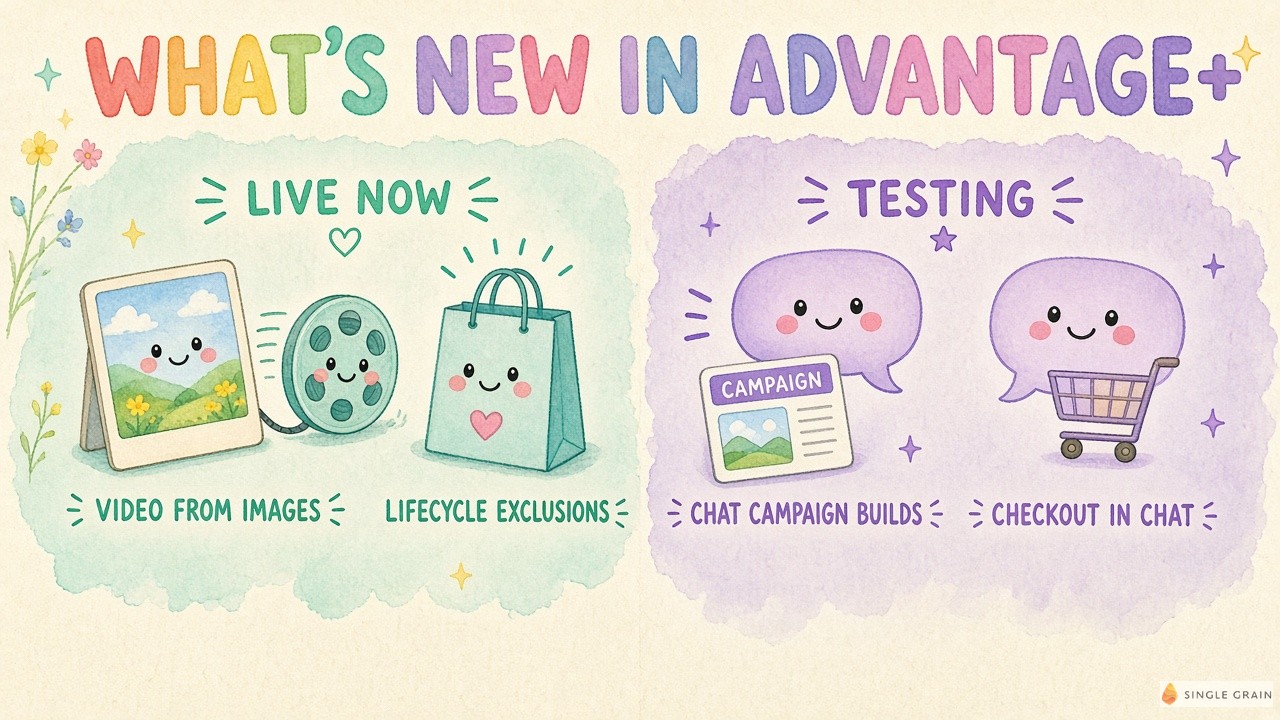
What’s Live vs. Still in Testing
| Feature | Status |
|---|---|
| Video from static assets in Advantage+ creative | Generally available |
| Product images to product videos for eligible catalog advertisers | Available now |
| Customer Lifecycle Strategy (recommends excluding existing customers from acquisition campaigns) | Open to all advertisers |
| Expanded Ads server for the Model Context Protocol (MCP) | Expanded, lets third-party AI tools help build and manage campaigns |
| Chat-based campaign builds, targeting updates, budget changes | Testing |
| AI audience discovery in Detailed Targeting | Coming by the end of the year |
| Checkout in messaging and Meta AI, single Audience Label exclusions | Testing |
MCP is an open standard that lets outside AI tools plug into a platform. In practice, Meta’s own assistant may soon share your account with other AI helpers. With the feature list sorted, let’s pin down what Advantage+ even means today.
Which Advantage+ Updates Can You Use Right Now?
Start with the features that are already live, because they carry the lowest risk and the fastest feedback.
- Video from static assets. Pick your best static ads, generate videos in Advantage+ creative, and run them next to the originals. Watch each one before it goes live. My team pairs AI production with a test plan to scale AI creative with Meta ads without losing quality.
- Product videos from your catalog. If you’re an eligible catalog advertiser, try it on a handful of top sellers first so you can spot odd motion or wrong details.
- Customer Lifecycle Strategy. Mark a campaign as acquisition and review the suggested exclusions before you accept them, so you know exactly who Meta is pulling out.
- Ads Creative Studio edits. Meta says marketers can change hooks, adjust audio and clip length, add captions, or swap end scenes. Great for cheap hook tests.
Here’s how I’d split the work between Advantage+ and your team, all on one page.
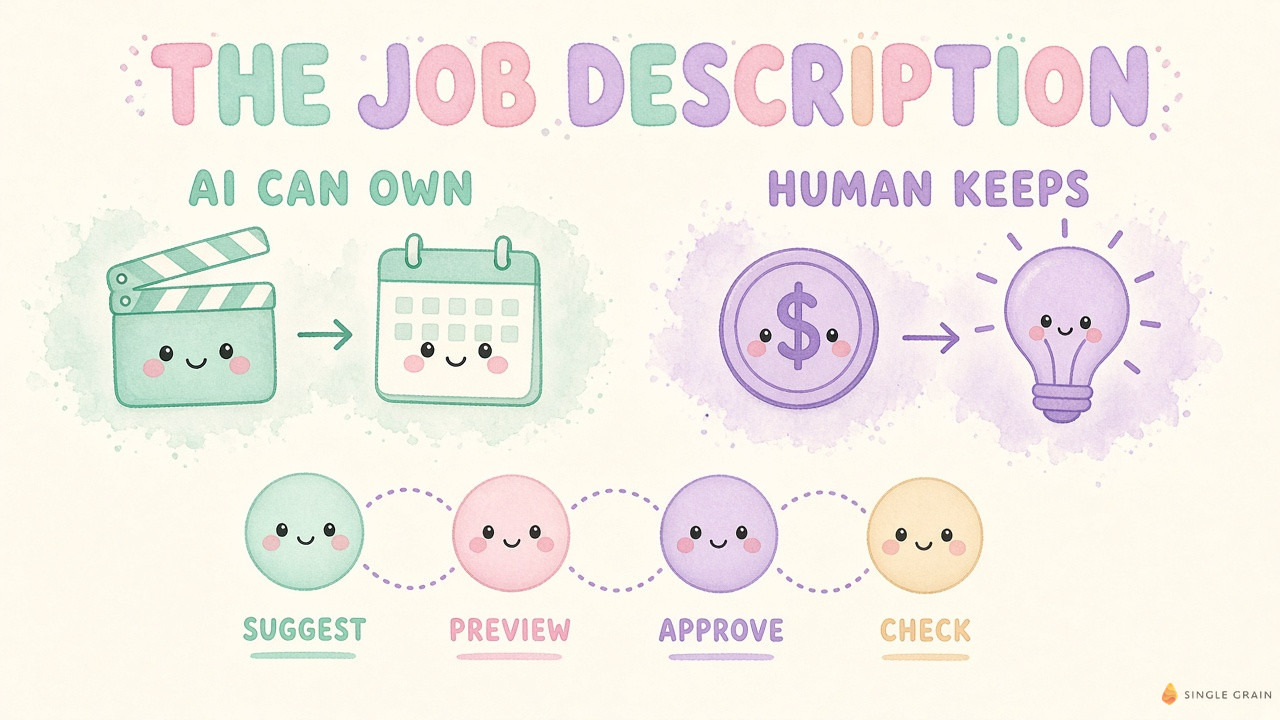
The live tools are the easy win. The trickier question is how much rope to give the assistant once its agentic features arrive.
| Pro-Tip |
|---|
| Launch one Advantage+ feature per campaign at a time. If you switch on AI video, new exclusions, and fresh targeting in the same week, you’ll never know which one moved your numbers. |
Should the Business Assistant Touch Your Budget?
Eventually, maybe, with a person signing off. Meta has said these actions come with previews and approvals, and I’d treat that approval step as mandatory on your side too. A weak AI summary is easy to ignore. A bad budget move costs money before anyone spots it.
Some marketers on X are already asking who on the team should own that approval. One account on X claimed that Meta is testing an AI inside Ads Manager that can change your budget, and asked who approves a budget change today.
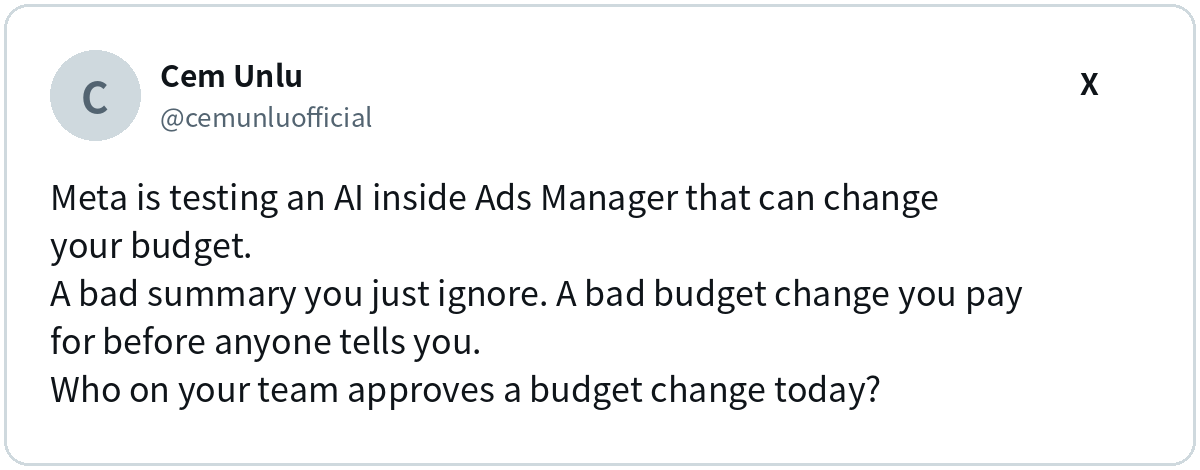
Good question. If you can’t name that person now, an AI proposing changes will only widen the gap. Another account on X claimed that Meta wants its AI to run the ad budget itself, so it pays to decide your rules early.
Here’s what I’d keep with a human, no matter how clever the assistant gets.
- Budget changes. Every increase, decrease, or reallocation gets a human yes and a short note on why.
- Offers and claims. AI writes copy fast and can also invent a discount you never approved. Someone who knows your pricing and legal rules checks every claim.
- Brand-new concepts. Variations of a proven ad can run. New messages deserve a creative lead’s eye.
- Big targeting shifts. Small tweaks can run. A change in who the campaign is for gets a review.
| Watch Out |
|---|
| Write your approval loop down before the agentic features reach your account. The assistant suggests, you preview, a named person approves, and someone checks results the next day. Practicing your undo plan helps too, the way teams run rollback drills for marketing agents. |
With ownership settled, you can give each Advantage+ feature a proper trial run.
How Do I Test Advantage+ Without Losing the Plot?
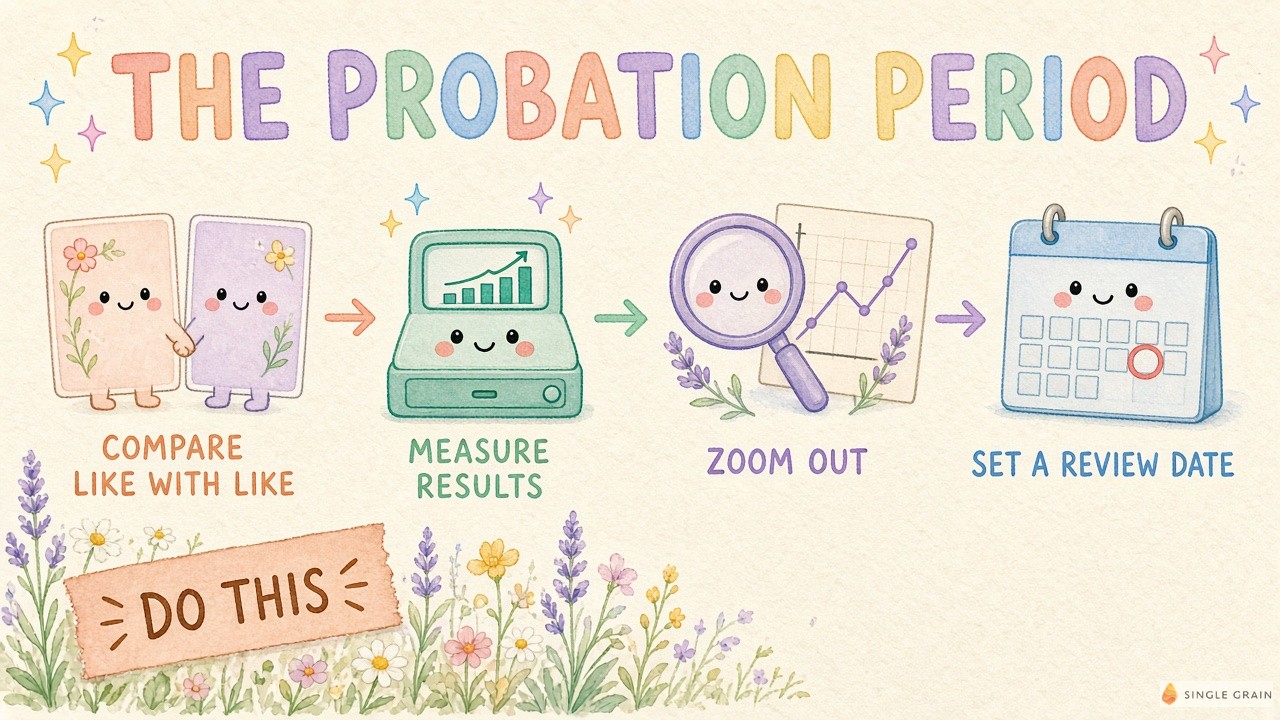
AI features tend to look fantastic in the platform’s own reports. Funny how that works. Check them against your numbers with a simple trial period.
- Compare like with like. Run Advantage+ video next to your static ads in the same campaign and keep the statics live. Volume helps, which is why some teams test thousands of ads at once.
- Measure business results. Track cost per new customer, qualified leads, and revenue in your own systems. A creative testing framework keeps those comparisons clean.
- Zoom out. If Advantage+ looks great while total revenue stays flat, the platform may be taking credit for sales you’d get anyway. A simple incrementality test or marketing mix modeling helps answer that.
- Set a review date up front. Delivery can take time to settle after a change, so a rough first day proves little. Pick the date before you flip the switch and stick to it.
| Action Step |
|---|
| List every change your team makes in Meta Ads Manager in a month. Label each one “Advantage+ can own” or “human keeps,” and write down who approves the human items. |
Once that list exists, your team knows exactly where Advantage+ fits and where a person signs off.
Ready to Put Advantage+ to Work?
Meta Advantage+ just got faster at making videos, cleaning up audiences, and drafting campaigns. Give it the production work, test each feature against a control, and keep budgets, offers, and big calls with a person who owns the outcome.
If you’d like a team that runs Meta with that balance, check out my team’s paid advertising services. Let’s put Advantage+ to work and keep your budget in good hands.
Frequently Asked Questions About Meta Advantage+
-
What is Meta Advantage+?
Meta Advantage+ is Meta’s family of automated ad tools for campaign setup, creative, audiences, and placements. You set the goal and guardrails, and Meta’s AI handles much of the delivery and matching.
-
What's new in Meta Advantage+ creative?
Advertisers and agencies can now generate video from existing static assets, and that feature is generally available. Eligible catalog advertisers can also turn product images into product videos.
-
Can Meta's AI change my ad budget?
Meta is testing agentic features that let the business assistant change budgets, update targeting, and build campaigns through conversation. Meta has said these actions come with previews and approvals, and the features are still in testing.
-
Is Meta Advantage plus the same as Meta AI ads?
People use both phrases for Meta’s AI-powered ad tools. Advantage+ is Meta’s own name for its automation suite, while “Meta AI ads” is a broader search term that also covers the business assistant.
-
Which Advantage+ feature should I test first?
I’d start with video from static assets, since it’s live, low risk, and easy to compare against your existing statics in the same campaign.


