

Google AI Mode Links Just Got Bigger. Here’s Who Wins the Click


Every time Google promises more links in AI answers, I can practically hear publishers groan in unison. This time Google says Google AI Mode links are getting more room, and I’ll admit a couple of the changes made me sit up.
The two updates that got me were a test section for official pages and more inline links placed higher in the answer. Google’s AI Mode Links announcement also covers wider news carousels, bolder related links, and clickable creator names.
Robby Stein, who leads product for Google Search, shared the update on X.
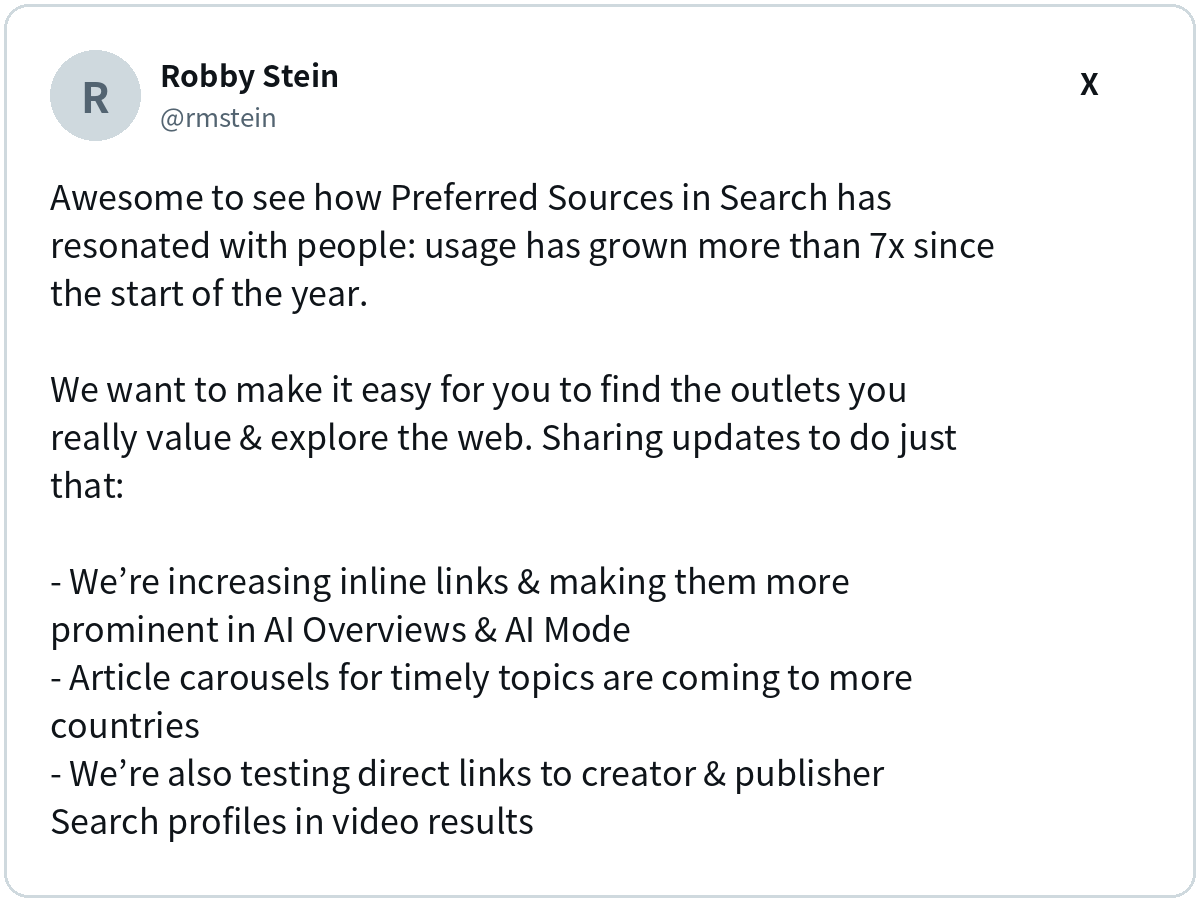
While more links sounds good, here’s my problem with the headline. Just because you add more doors to a building, it doesn’t mean more people are going to walk out of it. If the AI answer already says everything, a shinier link still gets ignored.
So instead of a straight recap, I ranked the five changes by how much I think they’ll matter for your traffic, from “nice” to “pay attention.” Then I’ll show you how my team at Single Grain is measuring all this and how you can still make your brand stand out.
TL;DR
- Google AI Mode links now show up higher and more often. Google says it has made substantial increases to inline links in AI Overviews and AI Mode.
- Official pages may get a spot at the top. Google is testing a section for the one or two official places to finish a task.
- News and creators get more visibility. Timely article carousels are expanding, related links get more visual, and creator names on video results are becoming clickable in a test.
- You’ll have to measure the clicks yourself. Search Console still doesn’t break out AI Mode clicks, so track landing pages and which page gets linked.
AI Mode or AI Overviews, Which One Changed?
Both. Quick refresher, because these get mixed up constantly.
AI Overviews are the summaries at the top of a normal results page. AI Mode is the separate, chat-style search where you can ask follow-ups. This update touches both, so whether your buyer skims a summary or has a long conversation, the links around your brand are moving.
With that cleared up, here’s how I’d rank the five changes.
5 Google AI Mode Link Changes, From “Nice” to “Pay Attention”
I lined these up from the change I’d shrug at to the one I’d put on my team’s calendar this week. Number 1 is nice to know, but number 5 is the one to pay attention to.
1. Clickable Creator Names
Google is testing clickable creator and publisher names on video results. Sounds great for creators, until you notice where the click goes. In the test, the name leads to the creator’s Search profile in AI Mode, not to their website. Nice for discovery, a bit of a cul-de-sac for traffic.
Why does that matter? A profile click keeps the searcher inside Google. Your name gets more exposure, but your site may not see a visit from it. It’s also still a test, so you may not see it at all yet.
If you make video, keep your channel and publisher name consistent everywhere so people recognize you when the name pops up. Then make sure your videos point people back to a page on your site that’s worth the trip.
Creator names are mostly about recognition. The next change lives at the bottom of the answer, which brings its own problem.
2. Bolder Related Article Links
Links to related reading at the end of answers are getting a more visual look. Helpful, but they sit at the bottom, and the bottom of an AI answer is where attention goes to nap.
A prettier link is easier to spot, so some readers who scroll all the way down may click more. Still, most people get what they need higher up. I’d treat this as a small bonus, not a traffic plan.
| Quick Take |
|---|
| What should you do? Write pages that go deeper than a summary can. Guides, examples, and original data are the kind of related reading someone actually wants after the quick answer. |
Bottom-of-the-answer links are a nice extra. News carousels are where things start to get more interesting.
3. Bigger News Carousels
Carousels for timely articles are rolling out to more locations and languages, and they highlight a searcher’s Preferred Sources. If you publish timely coverage, getting readers to pick you as a preferred source just got more valuable.
This one matters because the reader decides, not just the algorithm. Once someone picks you as a preferred source, Google highlights you in those carousels. More locations and languages also means more chances to show up for timely stories.
| Pay Attention |
|---|
| If you cover news or fast-moving topics, ask your loyal readers to add you as a Preferred Source in Search. It’s a small ask with a bigger payoff now that carousels are expanding. |
Carousels help publishers. The next change touches almost every site, no matter what you publish.
4. More Inline Links, Placed Higher
This is the main change to Google AI Mode links that I mentioned at the beginning of this article.
Inline links are the clickable phrases inside the answer itself. Google says it made “continued and substantial increases” to them and will show them higher more often. This is the one most sites will feel, because it touches almost every kind of query.
Placement is the whole game here. A link near the top of the answer gets seen before the reader decides they’re done. A link buried at the end mostly doesn’t. More links placed higher means more chances for your page to be the one that gets the click.
| Pay Attention |
|---|
| Put clear, quotable facts near the top of your key pages. Short, direct statements are easy for an AI answer to link, so make your best answer impossible to miss. |
Inline links reward clear content across the board. The last change is narrower, but for the right queries it could be the biggest of all.
5. A Section for Official Pages
For tasks where only one or two official sites can help, Google is testing a section at the top of the answer with context about why each link is useful.
Think login pages, pricing pages, booking flows, and support portals. When someone types “Acme pricing” or “Acme login,” an official link at the top of the answer is close to what the number one organic result used to be. If an outdated help article wins the spot instead of your real pricing page, you just lost the cleanest click you had.
Keep in mind it’s still a test, so not everyone will see it. That’s exactly why now is a good time to get your official pages in order before it reaches more searches.
| Pay Attention |
|---|
| List the tasks people come to your site to finish, then check that each one has a single clear, crawlable page with a plain title. Clean up or redirect old pages that compete with it. |
That’s the lineup. Still, more links on the page and more clicks to your site are two different things, so let’s talk about whether this actually moves traffic.
So Will More Links Mean More Clicks?
Nobody outside Google can say yet, and that’s the real story. Barry Schwartz of Search Engine Roundtable pointed at the missing piece:
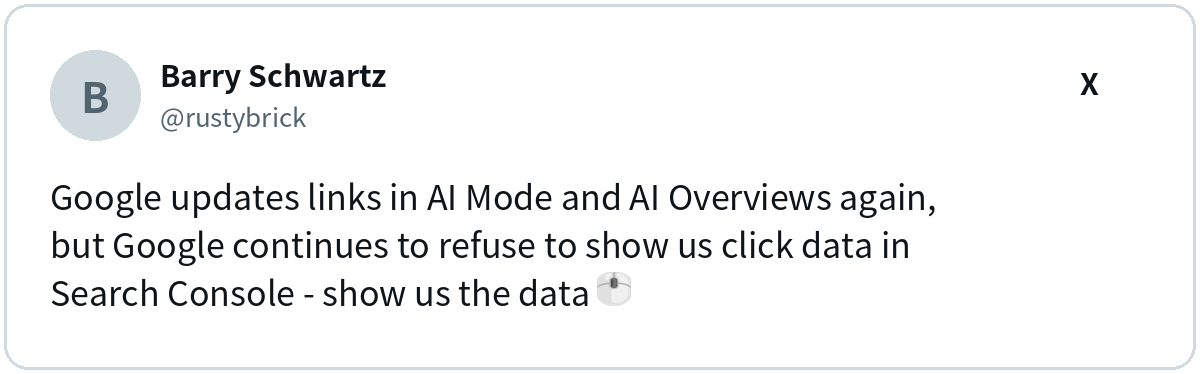
I’m with Barry. Google says the links help people dive deeper. Without click data, we’re all grading a test without the answer key.
Several pieces are still tests, too, including the official pages section and creator names. So if a client asks why they don’t see the new section, the honest answer is Google is still deciding who gets it and when.
Mentions vs. Citations, a 30-Second Detour
A mention (my team also refers to them as ‘brand mentions’) is when the AI names your brand. A citation is when it links to your page as a source. You can get one without the other. This update is about citations, which is why pages with AI visibility but no organic traffic are the ones to watch first.
Since Google won’t hand over the click data, my team had to get creative about measuring it ourselves.
How Is My Team Measuring This Without Click Data?
My team’s view at Single Grain is to measure first and rewrite later. Rollouts like this are uneven, and early data is noisy.
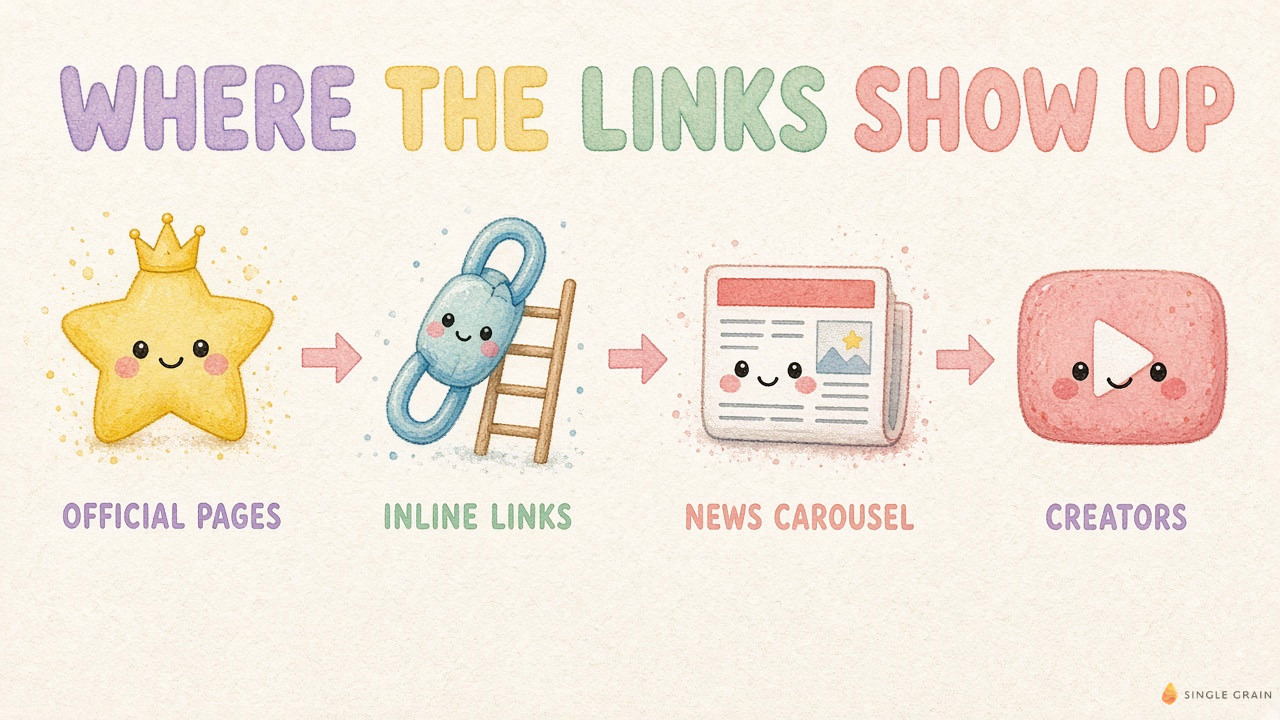
We track three signals:
- Which page gets linked. A citation to a random old blog post is a different animal from your pricing page linked as the official source.
- Landing page traffic from Google. Watch organic sessions to the pages you expect to be linked, since Search Console won’t split out AI Mode for you.
- Branded search. More appearances in AI answers can show up later as more people searching your name.
| Action Step |
|---|
| Search your ten most important buyer questions in AI Mode. For each, write down whether you’re linked, which page is linked, and where the link sits in the answer. Repeat in two weeks and compare. |
Measuring tells you where you stand. Next up is how to earn more of those links in the first place.
What Can You Do to Earn More Google AI Mode Links?
Good news, none of this needs a site rebuild. Google has said optimizing for AI search is SEO, so classic search engine optimization does most of the lifting.
- Name your official pages. List the tasks people come to you for, and give each one a clear, crawlable page with a plain title.
- Put the answer near the top. Short, clear statements of fact are easy for AI to link. The same idea drives optimizing resource pages for AI answers.
- Keep pages readable for crawlers. If Google can’t read the page cleanly, it can’t link it. Run a crawl and citation readiness checklist.
- Give people a reason to click. Original data, tools, and examples offer something a summary can’t fully replace.
- Track the right prompts. Pick the queries worth owning, using a method like AI Overview query capture, and check them weekly.
| Watch Out |
|---|
| A higher link only helps if the click lands on a page worth reading. Keep an eye on zero-click search trends so you know what “normal” traffic looks like now. |
Let’s wrap this up with the big picture.
Be the Page Google Wants to Link
Google AI Mode links are getting more room, and official pages may soon get the front row. The upside goes to sites with clear task pages, quotable facts, and content worth the click. Still, you’ll have to prove the payoff with your own numbers.
Want help getting your pages cited and clicked in AI answers? See how my team at Single Grain handles answer engine optimization (AEO), and let’s get your best pages into the answer.
Frequently Asked Questions About Google AI Mode Links
-
What are inline links in Google AI Mode?
Inline links are clickable words or phrases inside an AI Mode or AI Overviews answer. They point to the page that supports a specific part of the answer, so readers can open the source while they read.
-
Will Google AI Mode links send more traffic to my site?
They could, but Google hasn’t shared click data. Search Console doesn’t separate AI Mode clicks, so watch organic traffic to the pages you expect to be linked and compare it over several weeks.
-
How do I get my page into the official pages section?
Google says the section is a test for tasks where only one or two official sites can help. Make sure each task people come to you for has one clear, crawlable page with a plain title.
-
Are AI Overviews citations the same as brand mentions?
No. A mention means the AI names your brand. A citation means it links to your page as a source. You can earn one without the other, so track both.
-
Does the AI Mode links update affect AI Overviews too?
Yes. Google says the changes to inline links and related article links apply to both AI Overviews and AI Mode, while the official pages section and clickable creator names are still tests.


