Google Tag Gateway & Data Strength Uplift: All About Enhanced Conversions


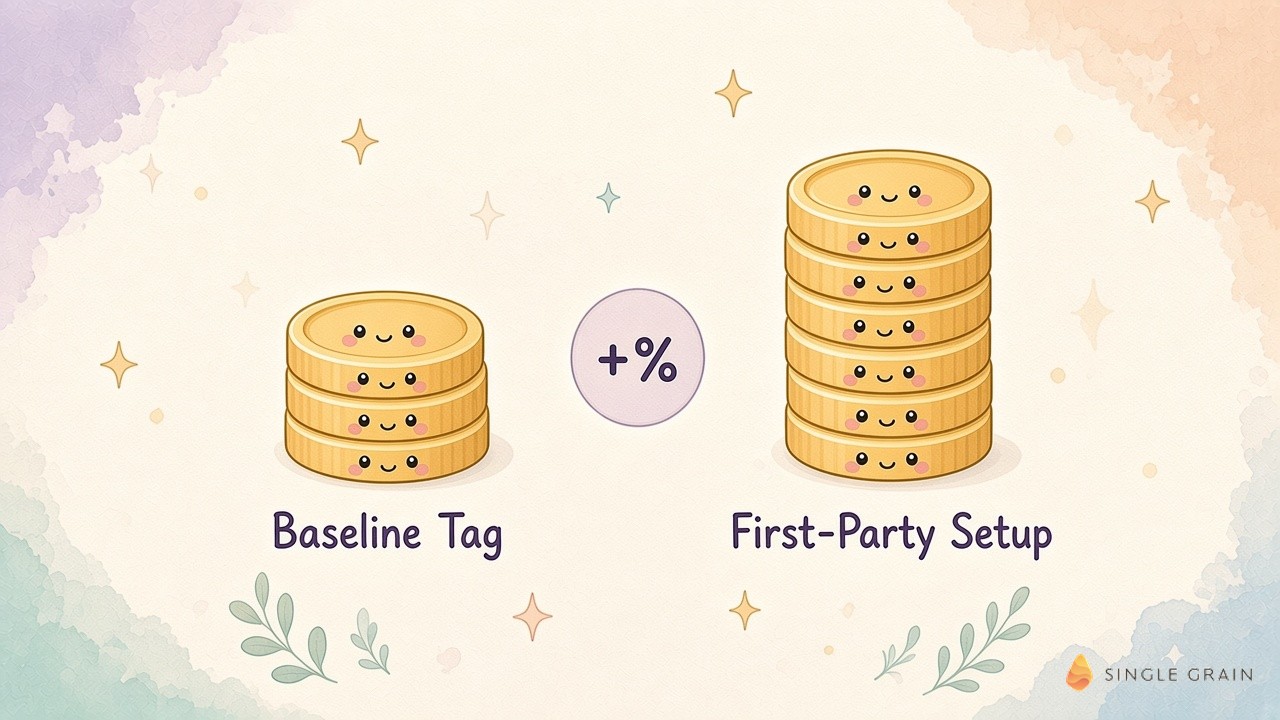
Google finally put a number on what Google tag gateway and enhanced conversions are worth, and I’ve been waiting for this one! Here’s what I know right now: The Google Ads team published new documentation for its Data Strength Uplift metric. It estimates the percentage of extra conversions your first-party data setup captured over the past 14 days.
If you manage a Google Ads budget, you’ve probably heard “set up enhanced conversions” and “move your tags first-party” for two years.
The hard part was proving it mattered. Now there’s a metric for that, right in your account. Handy if you’re pitching the setup to your boss. Awkward if your number comes back tiny.
You’ll learn what Google tag gateway does, how Data Strength Uplift works, who can see it, and how to decide whether the setup is worth it for your account.
TL;DR
- Google tag gateway serves your Google tag from your own domain. It runs through your CDN, load balancer, or web server to create a first-party measurement setup.
- Data Strength Uplift shows the extra conversions you recover. It compares your setup with a standard baseline over a rolling 14 days and displays from +1% to more than 50%.
- Eligibility is limited for now. You need at least 100 website conversions or 20 offline conversions in 14 days, plus 30 days since adopting a feature.
- It’s a measurement metric. Uplift means more conversions were observed or modeled. It doesn’t prove campaigns produced more customers.
What Is Google Tag Gateway?
Google’s developer documentation describes Google tag gateway for advertisers as a way to deploy a Google tag using your own first-party infrastructure, hosted on your website’s domain. You can set it up with an existing CDN, a load balancer, or your web server.
Why First-Party Tagging Matters
Browsers and privacy tools increasingly block or limit third-party scripts. When your tag loads from your own domain, more measurement signals reach Google. That means fewer lost conversions and better data for Smart Bidding.
How It Fits With Server-Side Tagging
Google recommends pairing tag gateway with server-side tagging for the most durable setup. Our guide on when server-side tracking is worth the cost walks through that tradeoff.
What Are Enhanced Conversions?
Enhanced conversions improve measurement accuracy by sending hashed first-party customer data, such as an email address or phone number, along with your conversion tags. Google matches that data to signed-in users to recover conversions that cookies alone might miss.
Enhanced Conversions for Web
This version captures data from website forms and checkouts at the moment someone converts. It’s the most common starting point for ecommerce brands, because checkout forms already collect an email address, and Google Tag Manager can pass it with a few settings.
Enhanced Conversions for Leads
This version is built for lead generation. It uses hashed data from a form fill to match later offline conversions, such as a closed deal in your CRM. It pairs well with offline conversion tracking for businesses with long sales cycles.
How the Data Strength Uplift Metric Works
The metric shows how many extra conversions your first-party features help you capture. Google’s help article on the uplift metric explains that it compares your current setup against a baseline.
1. The Baseline
The website baseline is a standard website tag. Offline conversions use GCLID-only imports as the baseline. Your setup, including enhanced conversions for leads, Google tag gateway, and multi-source Data Manager connections, gets compared against that.
2. The 14-Day Window
The estimate covers a rolling two-week period and refreshes daily. It includes both observed and modeled conversions.
3. Combined, Deduplicated Lift
If you use several features, Google deduplicates the overlap and shows one combined percentage. The display ranges from +1% to more than 50%.
4. Where to Find It
Go to Goals, then Conversions, then Summary. You can also hover over an Active conversion tracking status to see more detail. If the card doesn’t appear, check the eligibility rules below before assuming something is broken.
| Pay Attention |
|---|
| Search Engine Land points out that the uplift is a measurement recovery metric. It doesn’t prove your ads drove more sales, and Google says it doesn’t change billing or how Smart Bidding optimizes. |
Keep that distinction front and center when you report the number to leadership.
Why First Party Data Matters More Every Year
Signal loss isn’t slowing down. Browser restrictions, consent rules, and ad blockers all chip away at what a standard tag can see.
Smart Bidding Runs on What It Can See
Google’s bidding models optimize toward the conversions they observe. When conversions go missing, bidding learns from a partial picture and can undervalue your best audiences. Recovered conversions give the system better inputs without any change to your targeting.
First-Party Data Travels Beyond Google
The same customer data foundation helps other channels too. Clean, consented data supports hyper-personalization in ChatGPT Ads and even shapes how AI tools understand your brand. Build it once for Google Ads and it pays off across the stack.
Site Speed Still Counts
A first-party tag migration is a good moment to clean up old scripts. These Google Tag Manager performance tips help keep pages fast while you add measurement.
Who Can See Data Strength Uplift?
Not every account will see the metric yet. Google lists several conditions.
| Requirement | Detail |
|---|---|
| Conversion volume | At least 100 website conversions or 20 offline conversions in the past 14 days |
| Learning period | At least 30 days since adopting the feature |
| Tracking status | Active, with recent conversions and no setup issues |
| Minimum uplift | Only shown at +1% or higher |
| Supported features | Enhanced conversions for leads, Google tag gateway, or multi-source Data Manager connections |
If your account misses any one of these, the card simply won’t appear, even if your setup is working.
What’s Not Supported Yet
Search Engine Land’s coverage notes that Search Ads 360, imported Google Analytics, and Floodlight conversion actions aren’t supported. Conversion actions that use only enhanced conversions for web aren’t in the first rollout either, with support planned later. The feature is also rolling out in phases.
These gaps matter. Plenty of advertisers rely on GA4 imports, and they won’t see a number at launch.
Is Google Tag Gateway Worth It?
For most accounts with meaningful conversion volume, my answer is yes. Here’s how I’d think about it.
When It’s Worth Setting Up
If you spend enough on Google Ads to hit the volume thresholds, you’ll likely recover conversions browsers currently block. Ecommerce brands with steady checkout volume and lead gen teams with CRM imports usually see the clearest benefit, since both send plenty of conversions for Google to match. Better data helps Smart Bidding find more of the right people. If you already use a CDN, setup can be fairly light.
When It May Not Move the Needle
Low-volume accounts may never cross the thresholds to see the metric. That doesn’t mean the setup is useless, only that you won’t get Google’s estimate of its value. If your current tracking already captures nearly all conversions, the uplift may be too small to display. In that case, fix the basics first with a Google Ads conversion tracking troubleshooting checklist.
What It Costs
Google doesn’t list a fee for tag gateway itself. Any cost comes from your CDN, hosting, or developer time to configure it.
For most teams, developer time is the real expense. Budget for setup, testing in a staging environment, and a check that existing conversion actions still fire correctly afterward. A broken tag during migration can cost more in lost data than the gateway recovers in its first month.
| Pro-Tip |
|---|
| Google recommends sending at least three identifier signals per conversion event, such as a GCLID, a hashed email address, and a transaction ID. Low customer data coverage is the most common reason uplift stays low. |
Start with the features that fit your setup, then check the uplift card once the 30-day learning period passes.
How to Improve Your Data Strength
Google recommends a Connect, Match, and Grow approach.
- Connect. Link your website tags, CRM, app, and offline data sources through Data Manager.
- Match. Turn on enhanced conversions and tag gateway, and pass at least three identifier signals per conversion.
- Grow. Review conversion diagnostics and personalized recommendations in Google Ads, and fix any setup alerts.
Most accounts can cover the first two steps in a few weeks. The third is ongoing maintenance.
Assign one owner for measurement health. That person checks diagnostics weekly, watches the uplift card once it appears, and flags any drop to the media team before it affects bidding.
Get Credit for the Conversions You Already Earn
Google tag gateway and enhanced conversions help you recover conversions that browsers and privacy limits hide. The Data Strength Uplift metric now shows how much they help, as long as your account meets the volume and setup rules. Treat it as a measurement win, and keep judging sales by your CRM.
If you want help setting up first-party measurement and getting more from Smart Bidding, Single Grain’s Google Ads team can audit your tracking. Contact Single Grain to get started.
Frequently Asked Questions About Google Tag Gateway
-
What is Google tag gateway?
Google tag gateway for advertisers lets you deploy a Google tag from your own website domain using your CDN, load balancer, or web server, creating a first-party measurement setup.
-
What is the Data Strength Uplift metric?
It estimates the percentage of extra conversions, observed and modeled, that your first-party data features captured over a rolling 14 days compared with a standard baseline setup.
-
Who can see Data Strength Uplift?
Accounts with at least 100 website conversions or 20 offline conversions in 14 days, 30 days since adopting a supported feature, an Active tracking status, and an uplift of at least +1%.
-
What are enhanced conversions for leads?
They use hashed first-party data from form fills to match later offline conversions, such as closed deals in your CRM, back to Google Ads clicks.
-
Does Data Strength Uplift mean more sales?
No. It measures conversions recovered through better measurement. Google says it doesn’t change billing or how Smart Bidding optimizes.