ChatGPT Plugins for Growth: Should You Build One?


Did your team just spend a sprint building ChatGPT plugins that sit in a directory listing while nobody uses them? That budget disappears fast when a plugin has no clear customer job behind it.
Put simply, a ChatGPT plugin packages your product’s capabilities so people can install them and use them inside their conversations.
So, should yours win new buyers, keep existing customers busy, or wait until your product can finish the job on its own? If engineering time is on the line, settle this before anyone writes a line of code.
Keep reading for a real workflow you can turn into a build brief, a simple way to choose between acquisition and retention, and a measurement plan you can borrow for your first test.
TL;DR
- Choose a customer job before a listing. Start with a workflow your product can already finish and an output a buyer can inspect.
- Separate acquisition from retention. New customers and repeat usage need different measurement plans.
- Test prompts before expanding the build. Save real requests alongside the expected behavior, including requests your plugin should decline.
- Budget for maintenance. Someone needs to review failed runs, update instructions, and explain whether the plugin earns its cost.
TABLE OF CONTENTS:
- What Are ChatGPT Plugins?
- A Real Workflow to Use as Your Plugin Brief
- Choose Between Acquisition and Retention
- When a Plugin Deserves Development Budget
- How to Build a ChatGPT Plugin Pilot
- Use Failed Runs to Improve the Product
- Measure and Promote the Plugin Without Overclaiming
- Make ChatGPT Plugins Part of Your Growth Plan
What Are ChatGPT Plugins?
ChatGPT plugins package capabilities people can install and use in their conversations. OpenAI’s plugin architecture documentation describes skills, MCP servers, or a combination of both. A skill supplies workflow instructions; an MCP server connects tools and outside systems.
MCP means Model Context Protocol. Your marketing decision is whether the connection gives a customer useful access to your product. For the reusable instructions, the difference between AI skills and prompts explains how a saved workflow differs from a one-off request.
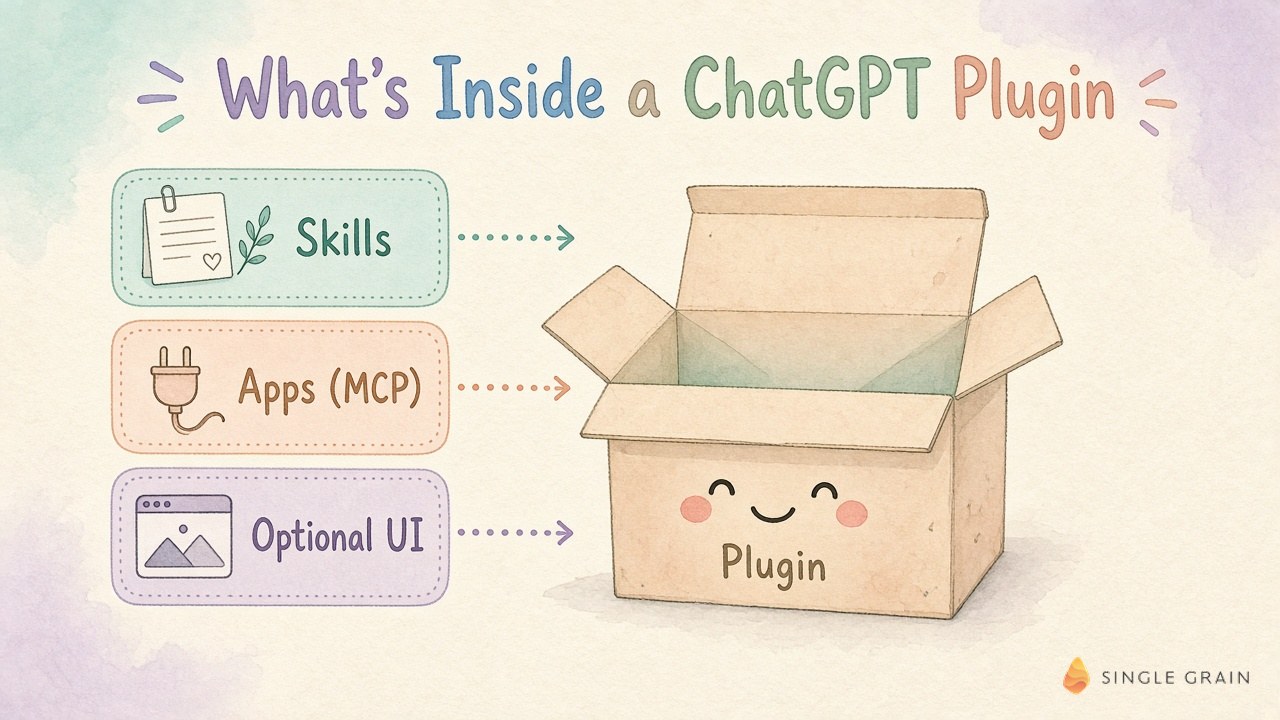
OpenAI documents a shared public plugin directory for ChatGPT and Codex, with capabilities varying by supported surface. It also makes a custom interface optional. A plugin returning useful text or structured data can be enough for an initial test.
Give engineering an example of the desired output before requesting a screen design. A customer who needs a lead review may value a source-linked account summary more than another dashboard. A real follower-intelligence workflow shows how specific this brief can get.
A Real Workflow to Use as Your Plugin Brief
In my November follower-intelligence demo, I looked at prospects and discussed cross-referencing them with HubSpot. I brought up an earlier Carrot lead from 6sense and considered a VP of growth marketing as a possible contact. Recent posting activity could help identify a relevant reason to reach out.
As Single Grain’s founder, I’m looking for a reason a conversation might be useful. The concrete artifacts in this scene are the follower-intelligence results and the possible CRM history check. I described outreach possibilities; I didn’t show a closed deal or establish a revenue result.
Here’s how I’d turn this demonstrated workflow into a plugin brief. The customer supplies an account or contact, the tool checks available records, and the output explains the relationship evidence. Any missing CRM information stays visibly missing.
Define the Artifact the Customer Keeps
For this workflow, ask for an account review containing the contact’s role, source links, any existing relationship, and an outreach rationale. This is a proposed deliverable based on this workflow, rather than a claim about a released ChatGPT plugin. A marketing leader can inspect each part before deciding whether to use the result.
The difference between a useful review and a risky one appears in the evidence. A follower relationship doesn’t establish buying intent. Past CRM records don’t establish permission to email. A recent post needs a direct connection to the proposed message.
| Pro-Tip |
|---|
| Save a successful output from your existing product beside a failed output. Ask engineering to explain which missing input caused the failure and how the plugin should communicate it. |
If your product already supports product-led growth, this artifact gives the pilot a concrete activation event. You can observe a customer reaching a usable result. The next question is which business outcome should follow.
Choose Between Acquisition and Retention
A plugin pilot needs a primary commercial goal. In an October Marketing School conversation, I talked about building ChatGPT plugins while working through other product projects. On the same show, Neil Patel, co-founder of NP Digital and my co-host, described retention as the more valuable outcome for his products at scale. His experience is useful context, with no guarantee of the same result for your product.
Keep the possible outcomes separate in the pilot brief.
- Acquisition. A new customer discovers the product through the plugin and reaches a useful result before becoming a paying customer.
- Retention. An existing customer uses the plugin to complete recurring work and continues finding value in the subscription.
For acquisition, record whether the account existed before the plugin interaction. Retention calls for comparing usage and renewal behavior among eligible existing customers. These checks prevent a familiar customer installing a plugin from appearing in a new-customer report.
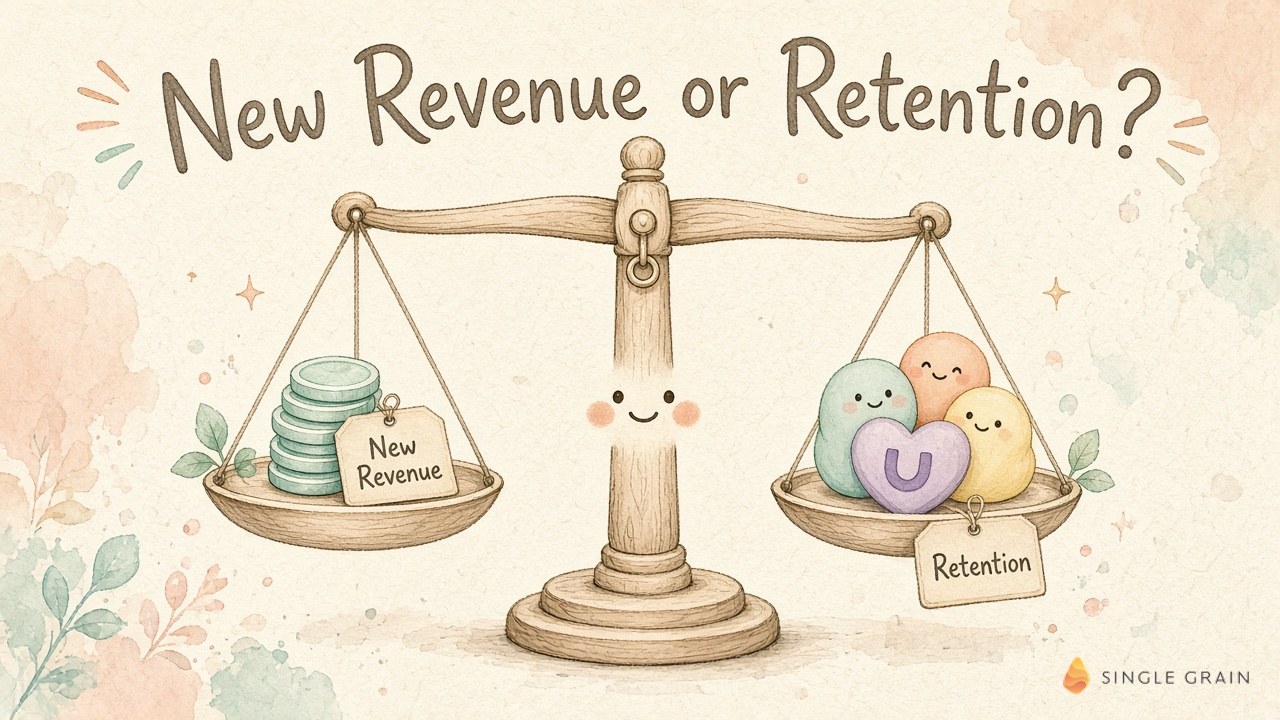
A clear net revenue retention calculation helps define the financial outcome. Churn signals across HubSpot, Slack, and Stripe can also reveal whether plugin activity accompanies useful product adoption. Installation alone leaves the commercial question open.
Choose the outcome before looking at the results, or a disappointing acquisition test can become a retention success story without evidence. With the goal written down, the engineering decision gets easier.
When a Plugin Deserves Development Budget
My recommendation is to fund a pilot when the product already delivers the requested result, customers can supply the required inputs, and a named owner can review failures. Start with support requests or recorded customer conversations. Look for the actual language buyers use when asking for help.
Describe the work customers currently perform between their question and your product’s answer. A request copied into another tool may create enough friction to justify a conversational entry point. A customer who needs a long visual editing session may still need your main application.
Check the Data Dependency Before the Demo
The follower-intelligence example depends on access to usable contact information. If the customer cannot connect the relevant account, the plugin needs a clear fallback. It could request an input or explain which part of the account review remains incomplete.
Postpone the build if the proposed value depends on data the product cannot access reliably. A polished demonstration using your own account won’t reveal every customer’s permissions problem. Have an authorized customer test with their own records before expanding the scope.
Set a budget limit and an exit decision before work begins. You might continue after customers repeatedly finish the job, narrow the workflow after recurring confusion, or stop after learning the conversational entry point adds little value. Each outcome needs recorded evidence someone can review.
This preparation gives engineering a smaller, clearer assignment. It also gives marketing a promise the finished product has a chance to keep.
How to Build a ChatGPT Plugin Pilot
A good pilot is built around the accepted output and the data required to produce it. Your developers can use OpenAI’s plugin developer documentation and Apps SDK guidance to scope the implementation. Keep the commercial brief readable enough for a marketing owner to review.
Save Real Prompts and Expected Results
Collect actual customer requests and record what a successful response should contain. OpenAI’s metadata guidance distinguishes direct requests naming your product, indirect requests describing the job, and negative requests better handled elsewhere. Include each category in your test set.
For the follower workflow, test a request to review a known contact against a request to send an outreach message. These are proposed tests, and the expected behavior depends on the capabilities you choose to build. A review-only pilot should produce the review and explain its sending limitation.
Use a spreadsheet with columns for Customer prompt, Expected behavior, Observed result, Evidence link, and Owner. Keep the customer’s original wording. A rewritten prompt can conceal the ambiguity your product needs to handle.
Connect Only the Capabilities the Job Needs
Your engineers should tell you which parts need live tools and which parts need saved instructions. OpenAI’s quickstart demonstrates connecting and testing an MCP server as a personal plugin. Use a private working version to inspect behavior before planning a public launch.
The better starting point is a contact-review pilot with retrieval and an inspectable draft. A send step introduces a separate decision about recipient selection and approval. Keep the first test small enough to identify why an output succeeded or failed.
Add an interface when the customer needs to inspect or edit structured information. An account summary with source links may already provide enough context for a review. The brief should explain the customer’s action before prescribing the screen.
Directory Review and Submission
OpenAI’s submission documentation describes review materials for MCP-connected plugins, including test cases and a demonstration. Prepare these from the working pilot so reviewers can reproduce its behavior. A public listing follows a review process, so leave room for revisions in the launch plan.
The first working version will expose unclear requests and missing inputs. Someone needs to turn these observations into product fixes.
Use Failed Runs to Improve the Product
My October bot-improver walkthrough shows a concrete maintenance artifact, the state chart for important bots. I described giving workflows a verdict and having Jev catch questionable decisions. Fixes needing my judgment come back to me.
In this scene, my role as founder includes reviewing decisions requiring a human call. The artifact is the workflow state chart, and the result I described is a review process. This gives a plugin owner a useful model for triage without implying the bot improver itself is a released ChatGPT plugin.
Failed Plugin Runs and Their Causes
I’d adapt the review pattern by saving failed plugin runs with the expected result and the input available at the time. A missing field needs a different fix from an incorrect tool choice. An authorization failure needs a clear explanation before anyone changes the workflow instructions.
Fix Ownership and Retention Feedback
Assign each failure to someone who can change the relevant component. Marketing can clarify an ambiguous promise; engineering can repair a tool response. Keep an example of the failed run beside the fix so the owner can replay the request afterward.
For a retention pilot, this review should also include customer complaints and abandoned jobs. Repeated attempts can signal frustration, so a rising run count needs context. Once the workflow holds up under real use, promotion has a more credible foundation.
Measure and Promote the Plugin Without Overclaiming
Promotion starts with a web page showing the customer job, required account access, and an example output. This fits into answer engine optimization and the broader work of marketing to AI agents. Treat the page as an accurate explanation a buyer can inspect.
Plugin Listing Claims
The listing promise needs to match the test results. If the plugin reviews contact history, describe the review and its required connection. Avoid implying it discovers purchase intent unless the output includes evidence supporting this claim.
Acquisition and Retention Measurement
In your measurement sheet, keep Discovery source separate from Existing customer. Add First useful result and Paid conversion date where your tracking supports them. Label an unknown source unknown. An installation close to a conversion doesn’t establish attribution.
Self-selected plugin users may already be your strongest customers. Compare their behavior with an appropriate eligible group and record this limitation when reporting retention. A useful pilot report can show completed jobs and customer feedback while renewal evidence is still developing.
Paid Promotion as a Separate Decision
If you consider paid promotion, assess ChatGPT ads as a separate budget decision. Check the available placement and measurement options before including paid reach in the forecast. Keep directory discovery and paid traffic separate in the report.
Use the report to revisit the original budget decision, with completed work as evidence for further investment.
Make ChatGPT Plugins Part of Your Growth Plan
Customer work is moving into conversations, which is why plugins deserve a spot in your growth plan. The follower-intelligence workflow and bot-improver review above provide concrete starting points for a pilot brief. Choose a job your product already handles, give the customer an inspectable output, and keep a record of what happens after first use.
If you want help fitting a plugin pilot into your broader acquisition plan, Single Grain offers Search Everywhere Optimization and SaaS marketing services. For paid channel planning, explore Single Grain’s ChatGPT ads strategy services.
ChatGPT Plugins FAQ
-
Are ChatGPT plugins the same as apps in ChatGPT?
Not quite. An app connects ChatGPT to one service, such as Slack or Google Drive. A plugin can bundle one or more apps with skills, app templates, and extensions so ChatGPT can finish a full task. OpenAI moved its app directory into the plugin directory on July 9, 2026, and existing app connections kept working.
-
Where do I find ChatGPT plugins?
Open Plugins in the ChatGPT sidebar on web, desktop, or mobile. You can browse categories, search the public directory, and see plugins from your workspace, personal plugins you created, and the ones you already installed. Availability depends on your plan, workspace, role, and region.
-
What do I need to build a ChatGPT plugin?
Most plugins start with a Model Context Protocol (MCP) server that exposes a few focused tools, plus a skill describing the workflow. A custom user interface is optional and works best when people need to inspect, compare, edit, or confirm information. OpenAI’s developer docs cover testing, metadata, and directory submission.
-
Do ChatGPT plugins drive new revenue or retention?
Both can happen. One company I showed on Marketing School added $500K in annual recurring revenue in about a week after launching plugins. Neil Patel finds that at his scale plugins help retention and lifetime value more than new revenue, so measure both before you set a forecast.
-
How do people discover a ChatGPT plugin?
People find plugins by browsing or searching the directory, and ChatGPT can also suggest relevant plugins during a conversation. Clear names, descriptions that explain when to use each tool, and steady real usage give your plugin the best chance in both places.