Codex vs Claude Code: Pick the Right Tool for Each Marketing Ops Job


Codex vs Claude Code, which one is the right tool for you? Both are coding agents. Both can read the files behind a marketing process, edit them, and run commands for you. Is one really better than the other, or does it depend on the task at hand?
If you’re wondering whether you start with Claude Code, use Codex, or pay for both, hopefully this blog will give you a little more insight on the use cases of each model. Furthermore, keep reading to see how to assign each tool a job on a real reporting script, how a second model reviews bot code, and how to compare the cost of work you can actually accept.
TL;DR
- Either tool can be your builder. Give it a bounded task with source files and an output you can inspect.
- My bot improver uses adversarial review. Claude and Codex can challenge the code and outputs a bot produces.
- Compare completed work. Judge the report, unresolved errors, and human review effort on the same input.
- Keep live actions separate. A successful test run earns a review, with production access handled explicitly.
TABLE OF CONTENTS:
- What Are Claude Code and Codex for Marketing Ops?
- A Reporting Bot Gives the Comparison a Real Job
- How a Bot Improver Uses Claude and Codex
- Claude Code vs Codex: Choose by Deliverable
- Where Data Cleanup and Site Fixes Go Wrong
- Which Is Cheaper for Your Actual Marketing Job?
- Set Access Before You Schedule the Job
- Choose Your First Builder and Review the Output
What Are Claude Code and Codex for Marketing Ops?
Codex and Claude Code both work on the files behind a marketing process, such as a reporting script or a CRM cleanup job.
- A prompt like “explain how this report calculates qualified leads” lets you inspect the existing logic.
- A request to repair the calculation gives the agent a specific change to make.
For a marketing leader or business owner, the real risk is an agent that changes numbers nobody can trace. With that being said, the first decision you have to make is which tool builds and which one checks.
Claude Code vs Codex Capabilities
Don’t worry, I’ll keep this section short and sweet.
Claude Code’s documentation describes a tool which reads code, edits files, and runs commands. OpenAI’s Codex repository identifies its terminal coding agent, while the official Codex CLI documentation covers local editing and review. Compare these capabilities on your own marketing scripts.
Business Definitions Behind the Script
You still need to confirm the source export is complete and define a qualified lead. Ask an agent to repeat its interpretation before it edits a file, especially when a field name hides an attribution rule.
The broader Codex documentation is useful for setup, but the buying decision starts with your actual job. Let’s put a real report on the table.
A Reporting Bot Gives the Comparison a Real Job
I’ll use my own agency as a real life example.
At Single Grain, we use a reporting bot that sends search performance updates with clicks and impressions, compared to an earlier period.
When you read a report like this, you need to know which period the bot compared and where the figures came from. A good report gives you a reliable account of performance. To compare coding tools for this job, run each one against the same inputs.
Reporting Scripts Need Traceable Calculations
This reporting job turns into a fair tool comparison with one setup. Give each agent the same permitted export and the current reporting script. Ask for a draft summary with the reporting window and source field attached to each calculation.
Compare the resulting summary against the export yourself. Check whether the dates cover complete periods, whether missing records get disclosed, and whether the script treats an empty value as zero. A clean paragraph can hide a bad comparison, so inspect an intermediate calculation before you approve the prose.
Also keep the raw export beside the generated report. If a reviewer challenges a result, the reviewer needs enough evidence to reproduce it. Your recurring marketing agent schedule should specify when source data is ready, since a recurring job can otherwise produce a fresh report from stale inputs.
This reporting example makes the acceptance test concrete. Bot maintenance adds a different question: who challenges the agent when its own code looks plausible?
How a Bot Improver Uses Claude and Codex
At Single Grain, my team added Claude and Codex to the bot improver for adversarial reviews. Their review can cover code a bot creates as well as content or creative outputs, and it looks at the places where the bot’s workflow fails.

The bot improver’s state chart lists workflow verdicts and the fixes requiring my decision, so every unresolved issue has a clear destination: me.
The second model gives me another read on a bot’s work. For your own script, ask the reviewer to produce a finding you can verify before counting its contribution as useful.
A Reviewer Prompt You Can Reuse
For a reporting script, the reviewer should challenge the calculations before polishing the summary. Give it the original request, source data, changed files, and test output. Keep the builder’s explanation available, but ask the reviewer to inspect the evidence independently.
| Starter prompt for a reporting script review |
|---|
| Review this reporting change against the supplied export and original request. Reproduce the calculations. Identify any date filter, missing value, or duplicate record which changes the result. For each finding, cite the file and affected calculation, describe the consequence, and propose a test. Separate confirmed defects from questions requiring the marketing owner’s decision. Leave the files unchanged. |
The useful output is a finding you can check. If the reviewer only says the code looks good, ask it to show a calculation it verified.
| Pro-Tip |
|---|
| Preserve the first review before requesting a repair. Otherwise, later edits can erase the evidence explaining why you changed the script. |
A second opinion still needs a human decision when the models disagree. The comparison becomes easier once you define what each side must deliver.
Claude Code vs Codex: Choose by Deliverable
With the review loop in place, the next question is which tool starts the work. Avoid assigning every long task to Claude Code or every small repair to Codex before you test the output. The criteria below help you choose a starting tool and decide whether another reviewer earns its cost.
| Marketing ops job | Builder must deliver | Reviewer must check |
|---|---|---|
| Reporting script | Draft report with reproducible calculations | Source fields, filters, and comparison periods |
| Data cleanup | Proposed changes in a separate output file | Merge rules and ambiguous records |
| Site repair | File changes with a rendered preview | Original defect and adjacent page behavior |
| Bot maintenance | Proposed fix tied to a recorded failure | Reproduction and an unresolved issue report |
Start with the tool you can already run in the right project with appropriate access. Require a reviewable result, then record how much intervention it needed. If you evaluate the other product, reuse the original input rather than giving it a version already corrected by the first.
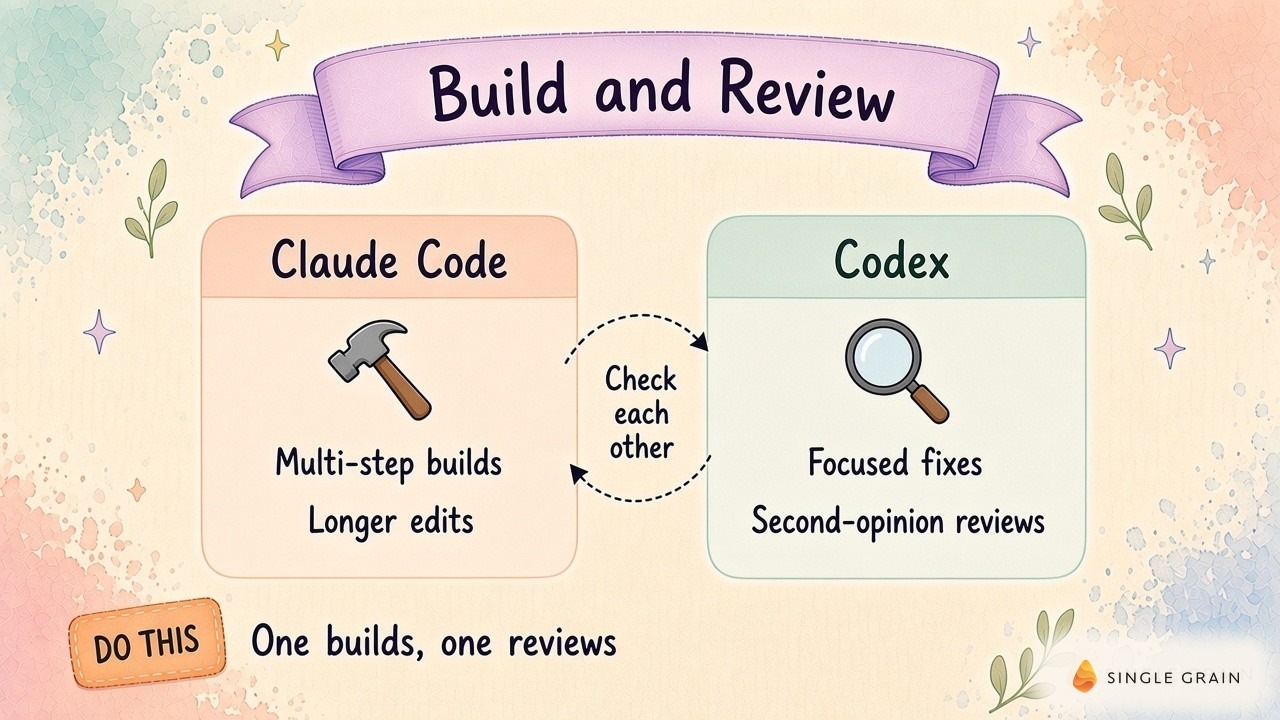
This also keeps the comparison useful when either product changes. You retain a repeatable job and a record of why a particular output passed.
Where Data Cleanup and Site Fixes Go Wrong
Reporting is a reasonable starting job because you can inspect an output without changing the source system. Cleanup and website work need different acceptance criteria. My recommendation: choose the builder using its performance on a copy, then require a review which addresses the specific consequences of the proposed edit.
Data Cleanup Needs an Exception File
Ask either tool to generate proposed changes in a separate file before allowing a CRM import. State the field used to identify a record and the rule for resolving duplicates. A shared company domain alone doesn’t prove contacts are the same person.
Keep ambiguous matches in a separate output for human review. A useful proposed-change file retains the record identifier alongside the original and proposed values.
Your reviewer should explain why each merge follows the supplied rule. If it cannot resolve a case from the inputs, leave the record untouched and move it into an exception queue. This gives the marketing owner a specific decision instead of a silent rewrite.
Site Fixes Need a Preview of the Affected Page
For a template or schema repair, give the builder the affected file and a description of the observed defect. Ask it to explain the scope before editing. A local test should reproduce the original problem and show the result after the change.
Have the reviewer inspect the rendered page as well as the code change. A valid template can still hide a form or alter a link destination. Keep a copy of the earlier version and use rollback drills for marketing agents to check whether you can restore it.
These jobs make tool quality visible through the artifacts you inspect. To compare the cost fairly, include the effort of reviewing and repairing them.
Which Is Cheaper for Your Actual Marketing Job?
Price is where most teams get stuck. A subscription label alone won’t tell you which tool costs less, because the real purchase is a finished job you can accept. Record the tool charge alongside the human time spent clarifying instructions, reviewing output, and correcting errors.
Use the same reporting export and acceptance criteria for each trial. Record whether the agent completed the job, which tests ran, and which defects remained after review. A cheap run requiring an extensive manual repair belongs in your comparison as a costly result.
If you already have access to either tool, evaluate it before adding another subscription. A second tool earns its place when its review produces useful, verifiable findings on your work. If it repeats the first agent’s conclusions without checking the evidence, revise the review instructions before buying more capacity.
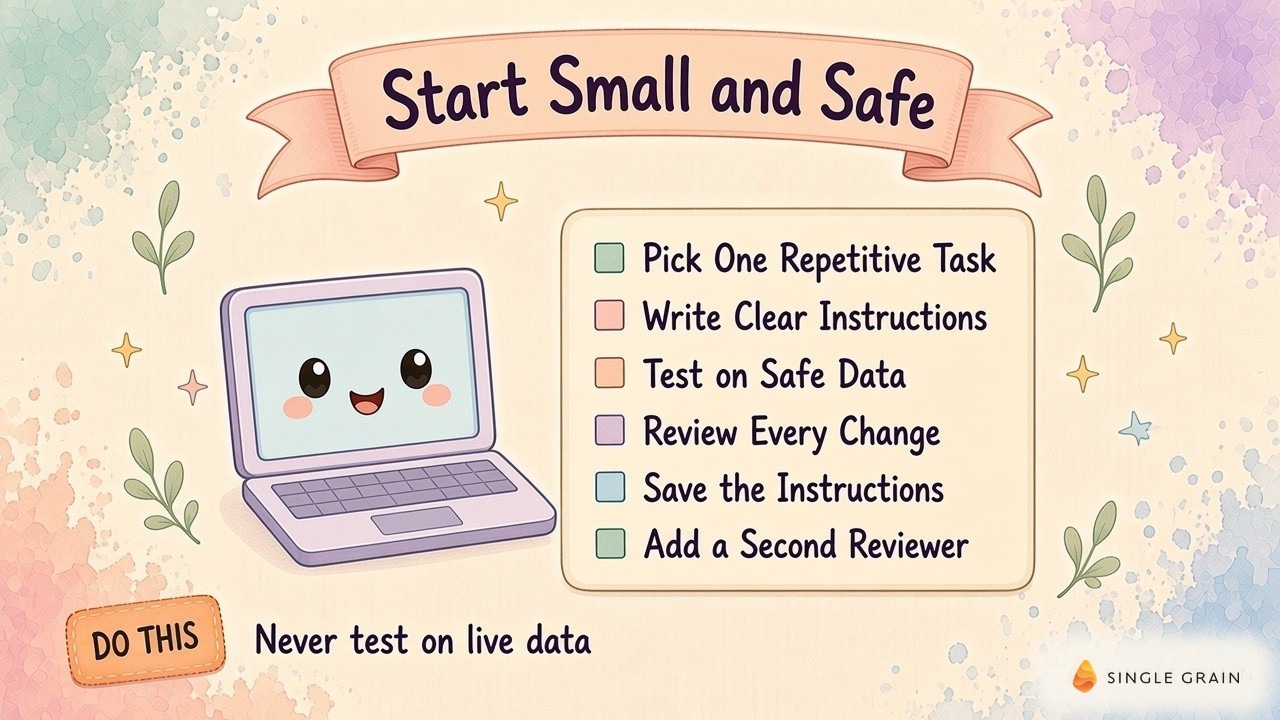
Save your evaluation notes with the task files. When the workload or product changes, you’ll have a real record to revisit.
Set Access Before You Schedule the Job
Access is part of assigning the work. A report can start with an approved export; a cleanup job can produce proposed edits. Live publishing and sending require their own permissions and a responsible human owner.
Permitted Actions and Review Outputs
Clear AI agent guardrails decide which bots can read, draft, or send, and the same boundary applies here. Write down the actions the agent may perform and the outputs it must leave for review. Check the actual configuration before a run, since prose instructions alone don’t set an access boundary.
Repeatable Runs and Failure Records
Recurring work needs a saved input version and generated artifact. These records let you reproduce a failure with the same export. Turn a saved error into a specific repair request, then retest the original problem.
For more repeatable setups, these agency bot use cases and this look at how top marketers run AI agents daily add context. Keep this purchase decision tied to the script and review process you can evaluate.
Choose Your First Builder and Review the Output
Codex vs Claude Code, that is the question.
For both models, begin with a reporting job using an approved export and a clear acceptance test. Pick a builder, inspect the report, and use a separate review when the consequences justify it. The bot improver example shows how Claude and Codex fit into this process, while the actual output gives you a basis for choosing.
Need help putting this process into your marketing operations? Explore Single Grain’s marketing automation services or contact Single Grain to discuss your workflow.
Frequently Asked Questions About Codex vs Claude Code
-
Is Claude Code better than Codex?
It depends on the job and your team. Both are strong agentic coding tools, and how you scope, test, and review work matters more than which one you pick.
-
Which is cheaper, Claude Code or Codex?
Pricing depends on your plan and usage, and both companies update plans often. Check the current pricing pages before budgeting.
-
Can marketers use Claude Code without being developers?
Yes, for focused tasks like reporting scripts or data cleanup. Start with test data, clear instructions, and a review step.
-
What marketing ops jobs fit AI coding tools?
Reporting scripts, data cleanup, small site fixes, and bot code reviews are common starting points.
-
Should I use Claude Code and Codex together?
Many teams do. Having one build and the other review adds a useful second opinion before changes go live.