

Vibe Coding Apps are Now in Google AI Studio. Here’s the Marketing Play


Vibe coding apps just got a real home on Android, right inside the store most of us scroll past every day. Google now lets you build a custom app in Google AI Studio and run it privately on your own phone through Google Play, with no developer account required.
Why would a marketer or business owner care about an app nobody else can see? You’d be surprised how useful this is! For instance, I counted the tiny tools my team has wanted for years and never built, because nobody could spare engineering time for a lead form or a pacing tracker. Personal apps change the math on those ideas.
Keep reading to learn more about what Google actually launched, five ways I’d put personal apps to work in my business, and the guardrails worth setting before anyone gets carried away.
TL;DR
- Google Play now runs private, AI-built apps. You can vibe code a custom Android app in Google AI Studio and launch it on your own device through Google Play with a standard Google account.
- The rollout starts small. It began in select markets, including the U.S., for users eighteen and over, and sharing with a close circle of friends and family is coming in the months ahead.
- Marketers get a cheap test lab. Personal apps suit campaign dashboards, event lead capture, rep helpers, tool prototypes, and content idea inboxes.
- Treat every app like real software. Keep sensitive data out until you know where it lives, follow Play policy, and plan the review path before anything faces customers.
What Are Vibe Coding Apps, and What Did Google Play Change?
Vibe coding is when a normie (aka someone who is not a software engineer with decades of coding knowledge) describes the software they want in plain English and lets AI write the code for them. The apps it produces are often called vibe coding apps. You explain the idea, review what the AI builds, and keep asking for changes until the app does the job.
Until now, getting one of these apps onto an Android phone took some effort. Google AI Studio has been able to generate Android apps since May, but deploying them meant using ADB, a developer tool most marketers have never touched. The other route was publishing to Google Play, which TechCrunch notes would open the app to the store’s roughly three billion users.
Google’s new option sits in the middle. In its Google Play update, Sam Bright, Vice President and General Manager of Google Play and the Developer Ecosystem, described the shift as a move from “there’s an app for that” to “there’s an app for me.”
How Google AI Studio and Google Play Work Together
The path runs in three moves. You describe the app in Google AI Studio, AI Studio builds it, and you launch it privately on your device through Google Play. In the coming months, Google says you’ll be able to share it with a small circle of friends and family.
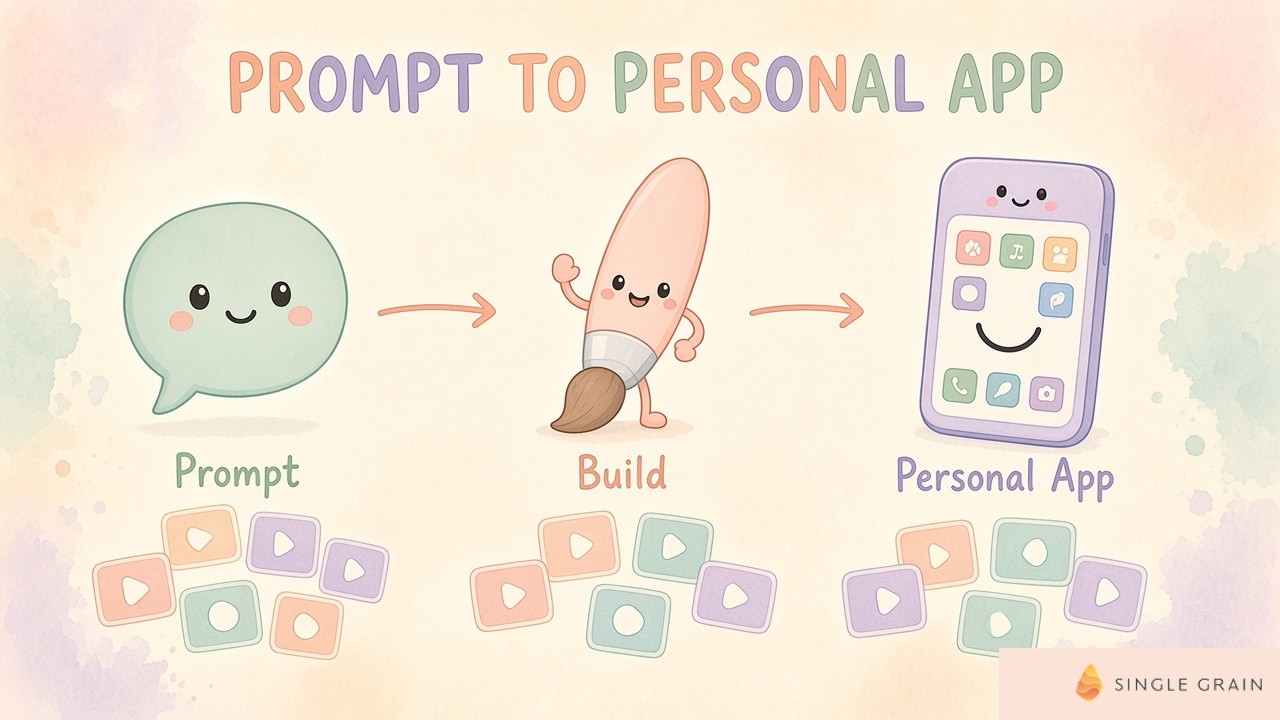
These apps land in a new “Your personal library” section of the Play Store, which lets you reach them across devices for easy restores and installs. TechCrunch reports personal apps won’t appear in Google Play search or listing pages, and they still have to follow Google Play’s existing policies.
What’s Live Now vs. What’s Coming Later
Google is clear about the stages, so here’s where each piece stands today.
- Live now. Personal apps on your own device, rolling out in select markets, including the U.S., for users eighteen and over.
- In the months ahead. You’ll be able to share personal apps with a close circle of friends and family.
- Later, if you want it. You can graduate to a professional developer account, where the app goes through the same Trust and Safety reviews and quality standards as any other developer’s.
Some builders on X spotted the significance right away.
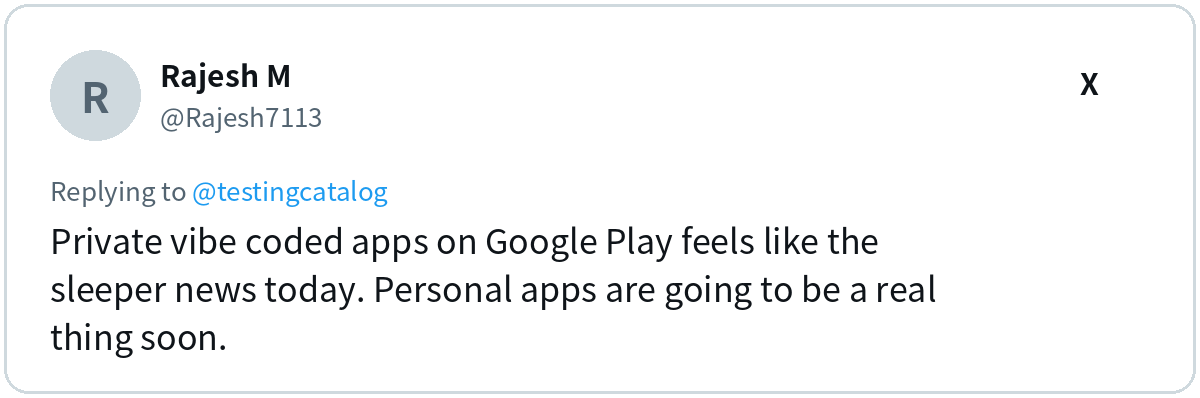
I agree with the “sleeper” part. A launch like this looks small, yet it removes the last annoying step between an idea and a tool sitting on your home screen.
Why Should Marketers Care About Personal Apps?
Most marketing teams run on a pile of spreadsheets, bookmarks, and half-finished automations. Each one exists because a proper tool was too expensive or too slow to build. Personal apps give you a third option between “live with the spreadsheet” and “file a ticket with engineering.”
There’s a bigger shift underneath, too. ChatGPT already builds calculators and charts inside its answers, and those interactive AI answers are changing how much traffic simple tool pages get. Software is becoming something people generate on demand, and marketers who learn to do it for their own work will move faster than teams waiting on a roadmap.
So what’s worth building first? Here’s my short list.
5 Marketing Use Cases for Vibe Coding Apps
Each of these ideas is narrow on purpose. A personal app works best when it does one job for one person, at least until sharing arrives.
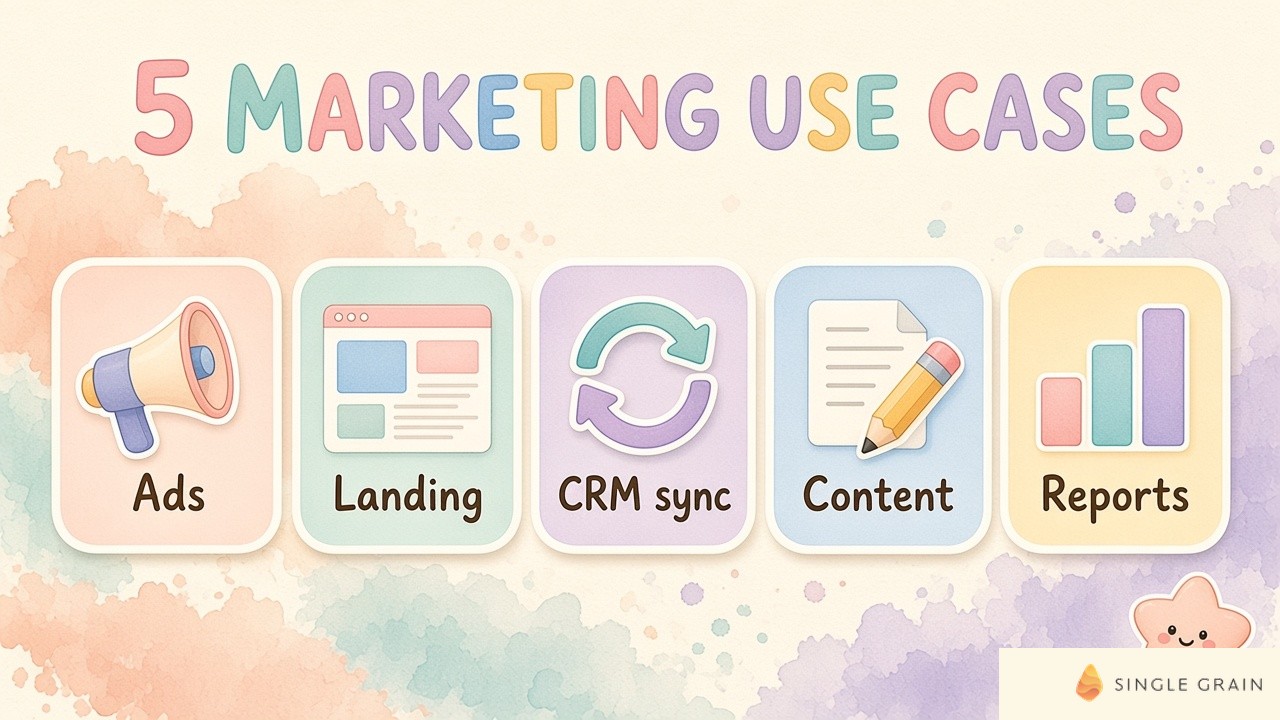
Start with whichever one saves you the most daily clicks.
1. Build a Personal Campaign Dashboard
Think about the numbers you check every morning, such as spend pacing, leads by source, and your top three campaigns. A personal app can pull them into one screen with the thresholds you care about, so you stop getting lost in the chaos of five opened tabs.
Keep the first version simple and fed by data you already export. Before you automate a messy process, it pays to simplify the workflow first, then let the app mirror the cleaner version.
2. Spin Up an Event Lead Capture App
Trade show badges and paper forms lose context fast. A small app can log each booth conversation, tag the buyer’s interest, and note the follow-up you promised, all in a few taps.
For now it lives on your own phone, and once small-circle sharing arrives, your booth team could use it too. Whatever you build, carry the lead source and conversation notes into your CRM so you keep lead source and meeting intent intact after the event.
3. Give Sales Reps a Pocket Helper
Reps keep asking marketing the same questions. Which case study fits a manufacturing buyer? What’s the answer to the pricing objection? A pocket helper app can hold your approved talk tracks, a simple ROI calculator, and a pre-call checklist.
This one becomes far more useful once sharing with a close circle goes live. Until then, prototype it yourself and test it on real calls. Pair it with smarter AI lead qualification upstream, and reps spend their prep time on buyers who actually fit.
4. Prototype a Customer-Facing Tool Before You Fund It
Calculators, quizzes, and configurators are some of the best types of interactive content for lead generation, but they’re expensive to scope. A personal app lets you build a rough version in an afternoon and see whether the logic holds up.
If the prototype earns its keep, you have a spec for the real build. You can also explore turning it into a product-led lead magnet, and Google says a personal app can eventually graduate to a public listing after the standard Trust and Safety reviews.
5. Keep a Content Idea Inbox
Good content ideas show up on sales calls, in customer chats, and in the shower. A content idea inbox app gives you one button to capture the thought, tag the topic, and note the source, so ideas stop dying in random notes apps.
Review the inbox weekly and promote the best ideas to your content calendar. The app does the capturing, and a human still decides what deserves a draft.
| Pro-Tip |
|---|
| Before you open Google AI Studio, write a five-line brief covering who the app is for, the one job it does, the inputs it needs, the output it shows, and what it must never store. A clear brief gets you a much better first build. |
These five ideas cover the fun part. Now for the part where I put my sensible hat back on.
What Should You Watch Before You Build?
Personal apps carry less risk than public ones, and a few habits keep it low. For instance, an app people trust still needs real engineering for security, performance, and upkeep. Keep these guardrails in place from day one.
- Protect your data. Keep customer lists, client logins, and payment details out of a personal app until you know exactly where the data is stored and who can reach it.
- Follow Play policy. Personal apps still have to comply with Google Play’s existing policies, even though nobody else can see them.
- Assign an owner. Someone needs to fix the app when an export format changes or a field breaks.
- Check availability. The rollout started in select markets, including the U.S., for users eighteen and over, so confirm access before you plan a team workflow around it.
If a prototype starts to matter to the business, it’s time to bring in proper engineering who can turn it into a maintained system.
How Google Play’s AI Updates Change App Discovery
Personal apps weren’t the only news. Ask Play can now generate a comparison between apps, highlighting key differences and user sentiment. Google also says Play in Gemini will bring Google Play’s apps, games, and developer content into Gemini conversations, rolling out to all Gemini users soon.
If you market a public app, those AI summaries shape the first impression. Your reviews, feature descriptions, and store listing copy now feed an assistant that answers buyer questions on your behalf. The same habits behind answer engine optimization apply here, with clear facts, consistent claims, and real customer proof.
There’s a quieter threat as well. When anyone can build a basic tool for themselves, simple single-purpose apps face a new rival in the user’s own prompt. Apps that hold proprietary data, real integrations, or a community are much harder to replace.
| Action Step |
|---|
| Open Google AI Studio this week and build the smallest version of one idea from the list above. Use it daily for two weeks, then decide whether it deserves a real budget. |
With this test running, you’ll know quickly whether personal apps belong in your stack.
Ready to Turn Personal Apps Into a Marketing Edge?
Google just made it easy to build a private tool for almost any marketing chore. Start with one narrow job, protect your data, and treat the best prototypes as specs for something bigger.
When a prototype proves the idea, the next job is turning it into conversions. My team at Single Grain runs conversion rate optimization on the pages and tools buyers actually use. Explore my team’s CRO services, and let’s find the tool your funnel is missing.
Frequently Asked Questions About Vibe Coding Apps on Google Play
-
What are vibe coding apps?
Vibe coding apps are apps built by describing what you want in plain language and letting AI write the code. You review the result and keep asking for changes until the app does the job.
-
How do I run a vibe-coded app on Google Play?
Build a custom Android app in Google AI Studio, then launch it as a personal app on your own device through Google Play. Personal apps appear in a Your personal library section of the Play Store and stay out of public search and listing pages.
-
Do I need a Google Play developer account for personal apps?
No. Google says a standard Google account is enough to launch a personal app on your own device. If you later want to publish the app publicly, you can graduate to a professional developer account and go through the standard Trust and Safety reviews.
-
Who can use personal apps on Google Play right now?
Google started rolling the feature out in select markets, including the U.S., for users eighteen and over. Personal apps still have to follow Google Play’s existing policies.
-
Can I share a personal app with my team?
Not yet. Google says sharing personal apps with a close circle of friends and family is coming in the months ahead, so for now each app runs on the creator’s own devices.
-
How can marketers use Google AI Studio apps?
Start with narrow tools like a campaign dashboard, an event lead capture form, or a prototype of an interactive calculator. Test the idea privately before you fund a full build.


