

How to Humanize AI Content So It Sounds Like You Wrote It


If you want to know how to make AI writing sound human, it’s actually pretty easy to do if you know how to spot tell-tale signs of AI-written content. AI drafts arrive fast, yet most of them share the same tells, and readers have learned to skim right past them.
Once you have a good eye for spotting these signs, all you have to do is instruct your AI agent (I use my team AEO/SEO bot built on Grok Bot) to edit out those patterns. Or you can do it by hand, but who has time for that these days?.
Contrary to popular belief, AI content is not inherently bad for SEO, as long as it provides real value to the reader and isn’t complete slop! My team at Single Grain uses AI in its content workflow, but every draft still passes a scoring gate and a quick pass from a human editor before it ships. For instance, part of that gate is a free humanizer rubric I open-sourced, which grades a draft out of 100 against the tells Wikipedia editors list on their Signs of AI writing page.
This ultimate guide takes you from the first prompt to the final edit. Along the way, it points you to every deeper post my team has written on AI content, so you can go further on any step.
TL;DR
- AI writing sounds robotic because of patterns. Puffed-up claims and stock phrases repeat until readers notice, even if they can’t say why.
- Better prompts cut the cleanup. Give the model your writing sample and your own facts before it starts.
- Humanizer tools help with tone, up to a point. They smooth stiff wording in seconds, yet they can’t add facts or experience you never gave them.
- Your experience is the part AI can’t write. Add real examples and opinions, then run a final checklist before you publish.
TABLE OF CONTENTS:
- What Makes AI Writing Sound Robotic?
- How to Prompt AI for a Human Voice
- Where Humanizer Tools Help and Where They Don't
- Tell-Tale Signs of AI Writing
- How to Score a Draft With My Humanizer Rubric
- How to Make AI Sound Human With Real Experience
- Final Edit Checklist Before You Publish
- Make Your AI Content Sound Like You
What Makes AI Writing Sound Robotic?
AI writing sounds robotic when the same habits repeat from sentence to sentence. Language models predict the most likely next word, so they drift toward safe phrases and big claims with nothing behind them. One habit is easy to miss. Ten in a row and the reader feels it.
To humanize AI content, you have to fix two layers. The surface layer is word choice, like stock phrases and the same few adjectives on repeat. The deeper layer is substance, meaning the draft has no specific facts and no point of view.
How Google Responds to AI-Written Content
“Does Google even care whether a person or a model wrote my post?” Google’s guidance on AI-generated content says it rewards helpful, original content however it was produced.
So, no. Google doesn’t immediately disqualify you for publishing AI-written content. However, it does punish you if it is AI slop. So the way your content reads and how much value your audience gets out of it ABSOLUTELY matters!
Keep in mind: Readers are harder to please than algorithms. Drafts full of AI tells get skimmed, and skimmed pages rarely earn links or consult requests. The fix starts before the model writes a single word.
How to Prompt AI for a Human Voice
Most robotic drafts come from thin prompts. When the model gets a topic and nothing else, it fills the gaps with the most average version of that topic it can find.
Give the Model Your Voice and Your Facts
I give the model three things up front, in this order.
- A sample of my real writing. A few hundred words from a post or email I wrote myself, so the model copies my rhythm and word choice.
- The facts only I have. Client results and the opinion I want the piece to argue, so the model has no gaps to pad with filler.
- A list of patterns to avoid. The banned words and habits from my rubric, with a note to check the draft against them before returning it.
If a section has no real input from you, the draft fills it with generic lines. The model can’t invent your experience, and it shouldn’t try.
How to Make ChatGPT Sound Human
ChatGPT follows the same rules as any other model, with one useful extra. You can save your voice sample and banned-word list in its custom instructions or a project, so every chat starts with them. That beats pasting the same setup into every new conversation.
Ask for a shorter draft than you need, too. A model asked for two thousand words pads to reach it, while a tight first draft leaves room for your own examples.
| Starter prompt for a human first draft |
|---|
| Write this draft in my voice, using the writing sample below as your guide. Use only the facts I give you, and mark any spot where you need a fact you don’t have. Avoid every pattern on the attached list, then check your draft against it and rewrite any line that breaks a rule. |
Save prompts like this where your whole team can reuse them. My team keeps its prompts in a shared file built around the six fields every team prompt file needs.
Even a strong prompt leaves some stiff lines behind, which is where humanizer tools come in.
Where Humanizer Tools Help and Where They Don’t
AI humanizer tools rewrite text so it reads more naturally. My team’s free AI text humanizer is one of them. You paste in a draft, pick a tone such as casual or professional and set how strongly it should rewrite. You can also choose a writing style.
These tools don’t fix everything; however, they can improve a draft to a real degree.
- They loosen stiff phrasing fast. A tone shift from formal to conversational can fix a robotic paragraph in seconds.
- They give you a second take on rhythm. Put the rewrite next to your original and the clunky sentences stand out.
- They suit short, low-stakes text. A one-off email or a product blurb rarely needs a full editorial pass.
- Score-based tools show you where to start. A rubric like my humanizer skill that grades AI drafts lists which patterns cost points, so you get a fix list instead of a vague feeling.
Used this way, a humanizer is a quick first pass. It gets a draft closer before a person spends real time on it.
Where Humanizer Tools Fall Short
At the end of the day, a human editor should still take a look at your content before it ships. Here’s where humanizer tools fall short:
- They can’t add what isn’t there. No tool knows your client results or your opinion, and those are what readers remember.
- Rewrites can change your meaning. A synonym swap can turn a precise claim into a vague one or drop the source behind a number.
- Structure often survives. An inflated opener or an upbeat ending about the future can make it through a word-level rewrite.
- A detector pass proves little. Wikipedia’s guide notes detection tools do better than chance and still have non-trivial error rates.
| Pro-Tip |
|---|
| Run a stiff paragraph through a humanizer and put both versions side by side. Keep the rewrite’s better phrasing, then add one fact or opinion of your own before you move on. |
To get the rest of the way, you need to spot the tells yourself.
Tell-Tale Signs of AI Writing
I sort the signs of AI writing into four groups. Let’s take a look.
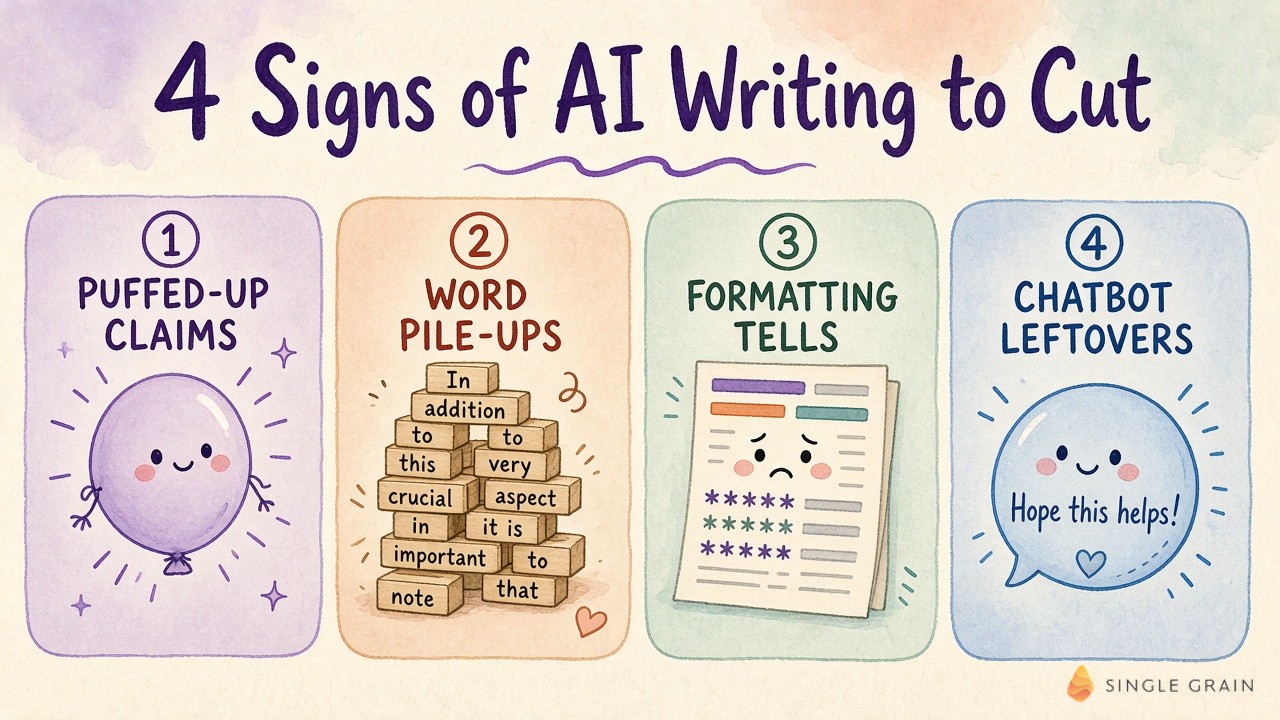
1. Puffed-Up Claims and Vague Sources
AI loves to tell you something matters instead of showing why. Watch for lines about a turning point, a “testament” to anything or “experts” who never get a name. Swap the claim for a number or a named source you can link, and cut the line if you can’t find one.
2. AI Vocabulary and Word Pile-Ups
Some words show up in AI text far more often than in human writing. My rubric bans forty-seven of them, from “delve” to “leverage” to “robust.” One banned word is a small slip, while three in one paragraph read like a chatbot wrote it.
3. Formatting Patterns
Layout gives AI away before anyone reads a word. The usual suspects are em dashes everywhere, bold on every other phrase, emoji on headings and bullet lists where each item starts with a bolded label and a colon. I allow zero em dashes on my blog, which removes the most common tell in one move.
4. Chatbot Leftovers and Filler
These are the phrases a chat assistant uses with you and forgets to delete. Think “I hope this helps,” “Great question” or “It is important to note.” Filler like “in order to” and stacked hedges such as “could potentially” belong in this group too, and most of them can go without replacement.
You can spot these by eye, though a score tells you which ones to fix first.
How to Score a Draft With My Humanizer Rubric
My rubric starts every draft at 100 and subtracts points for each AI pattern it finds, and repeats of one pattern stack up to double. A draft at 90 or above reads as human. I explain every penalty and the setup in my post on the humanizer skill, so this section shows the math on one example.
I wrote this sample paragraph in the style of a typical AI first draft about email marketing.
In today’s fast-paced digital landscape, email marketing stands as a pivotal tool for businesses. Additionally, it allows brands to foster deeper connections, drive engagement, and boost conversions. It’s not just about sending emails; it’s about building relationships. The future of email marketing looks bright.
Then I checked it against all twenty-four patterns and the banned-word list.
| Rubric rule | What I found | Points |
|---|---|---|
| Banned words | “landscape,” “pivotal,” “Additionally” and “foster” at 5 points each | -20 |
| AI vocabulary clustering | All four banned words sit in one paragraph | -10 |
| Significance inflation | “stands as a pivotal tool” | -10 |
| Rule of three | “foster deeper connections, drive engagement, and boost conversions” | -8 |
| Negative parallelism | “It’s not just about sending emails; it’s about building relationships” | -5 |
| Generic positive conclusion | “The future of email marketing looks bright” | -10 |
| Final score | Starts at 100 | 37 |
A 37 lands in the rubric’s lowest band, which calls for a full rewrite. My version keeps the topic and drops every tell.
Email works best when each message has one idea and one link. Write the subject line last, after you know what the email asks for. If a reader can’t tell what to do in five seconds, cut until they can.
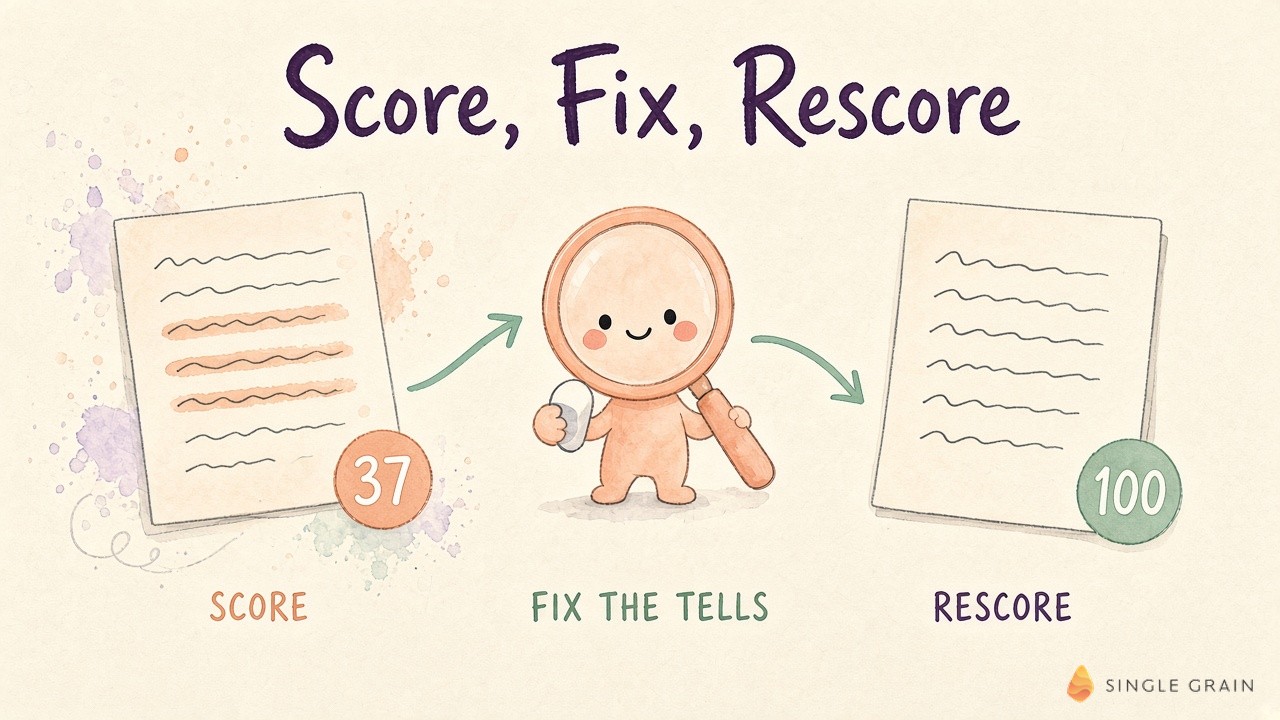
The rewrite scores 100 on the same check. It has no banned words or paired contrast, and it gives the reader a rule they can use today.
A clean score still isn’t the finish line, because the rubric can’t see what’s missing.
How to Make AI Sound Human With Real Experience
The surest way to make AI sound human is to add what only a human on your team knows. Google’s quality guidelines call this experience, the first E in E-E-A-T, and a model can’t fake it.
Here’s what I add to every AI draft before it goes to an editor.
- A result from real work. A number from a campaign or a client project, with enough context to make it believable.
- A mistake or a surprise. What didn’t work the first time is often the most useful line in the post.
- A clear opinion. Say what you’d do and why, even when other marketers disagree.
- Your own example. A screenshot or a process your team runs beats any generic illustration.
Every fact you add needs checking too. My team’s process for fact-checking AI content covers how to verify numbers and sources before a post ships.
At Single Grain, my team runs this as a gate before editing. In my list of Grok Bot use cases, my team’s content classifier scores each draft for duplicate pages, invented stats, weak evidence and AI tells before it moves forward. My editors then spend their hours on facts and the offer, which decide whether a post earns rankings and consult requests.
That gate matters more every month, since review is now the bottleneck for AI content. One last pass before publishing catches whatever slipped through.
Final Edit Checklist Before You Publish
I run these checks in order on every AI-assisted post.
- Check every fact and number. Models still make up stats and sources, so verify each one against the original.
- Confirm the draft says something new. Ask whether a reader could get the same section from a chatbot, and add your own input or cut it.
- Cut the signs of AI writing. Search for banned words, em dashes and chatbot leftovers, then rewrite each hit.
- Read it out loud. If you run out of breath or stop to reread a sentence, split it.
- Check structure and search basics. Use clear headings and direct answers, and follow my notes on AI content quality if the post needs to rank.
- Score it one more time. Edits can sneak tells back in, especially a fresh “Additionally” at the start of a paragraph.
Be honest about the limits of any checklist. Wikipedia calls its list of signs descriptive, and the words models overuse shift as models change, so update your list when you switch tools.
Make Your AI Content Sound Like You
Prompt with your own voice and facts, then edit out the signs of AI writing. Before anyone else reads the draft, add one thing only you know.
Want help building a content program where AI drafts sound like your team and still rank? My team at Single Grain runs AI-assisted content marketing for brands that want speed and a real voice in the same post.
P.S. Take a deeper dive into AI-generated content with some of our other helpful guides! Check them out.
- This AI content quality guide covers structure and citations for search.
- This AI content fact-checking guide shows how to verify claims before you publish.
- Here are my E-E-A-T strategies post explains how experience and expertise show up on the page.
- Take a look at this post on reusable AI prompts and learn how to build a shared prompt file.
Hope this helps!
Frequently Asked Questions About How to Make AI Writing Sound Human
-
How do you humanize AI content?
To humanize AI content, prompt with a sample of your writing and your own facts. Then edit out the signs of AI writing and add a real example or opinion. A humanizer tool can smooth the wording first, and a final read-aloud pass catches what’s left. My free humanizer rubric gives you a list of patterns to check.
-
How do I make ChatGPT sound human?
Give ChatGPT a sample of your own writing, the facts only you have and a list of words and habits to avoid. Save that setup in custom instructions or a project so every chat starts with it, ask for a shorter draft than you need and add your own examples before you publish.
-
What are the signs of AI writing?
Common signs of AI writing include puffed-up claims, vague sources, overused words like “delve” and “leverage,” heavy em dash use, forced lists of three, chatbot phrases like “I hope this helps” and upbeat endings about the future. Wikipedia keeps a public list on its Signs of AI writing page.
-
Do AI humanizer tools work?
AI humanizer tools work for smoothing tone and stiff phrasing, especially on short text. They can’t add facts, examples or opinions, and a rewrite can change your meaning, so check the output. My team’s free AI text humanizer lets you pick a tone and a rewrite strength.
-
Can AI detectors tell if content is human?
AI detectors do better than random chance, but Wikipedia’s guide notes they still have non-trivial error rates. A clean detector score doesn’t mean a draft reads well, so write for the reader and edit out the known patterns of AI writing.
-
Does Google penalize AI-generated content?
Google says it rewards helpful, original content however it was produced, and it acts against content made mainly to manipulate rankings. Mass-produced AI text with no human oversight is the real risk. I break this down in my answer to whether AI content is bad for SEO.


