How to Run a Landing Page Split Test on AEO Copy


Is your landing page split test measuring the visitors you actually get now, or the ones you got two years ago? More people arrive after asking ChatGPT, Perplexity, or Google’s AI Mode a question first. Typically, they land with an answer half-formed, and your copy either confirms it fast or loses them.
AI-ready copy, sometimes called ‘AEO copy,’ is written to answer questions directly and give machines facts they can quote. Plenty of teams have rewritten pages this way. Far fewer have tested whether the new version converts better than the old one.
In this article, you’ll learn what makes copy AI-ready, how to set up a fair test between AEO copy and your standard copy, how to QA your CRM form fields before launch, and how to read the results.
TL;DR
- Change the copy only. Keep design identical so the test isolates AEO copy against your standard copy.
- Segment by traffic source. AI-referred visitors behave differently, so report them separately from search and paid traffic.
- QA forms before launch. Broken hidden fields and CRM mapping can quietly ruin a clean test.
- Judge on lead quality too. Pick winners by qualified pipeline as well as form fills.
What Is a Landing Page Split Test?
A landing page split test sends visitors to two or more versions of a page and compares how each one converts. Each visitor sees only one version, and traffic is divided at random. The version with the better result on your chosen metric wins.
Split URL Tests vs. On-Page A/B Tests
A split URL test hosts each version at its own address. An on-page A/B test swaps elements on a single URL with a testing script. Both work for copy tests. Split URLs are easier when the AEO version changes page structure, headings, and FAQ blocks all at once.
If you want ideas for which page elements to test, my guide to landing page elements you should be A/B testing covers them. For broader test ideas, see these split test strategies. This article stays focused on one question: does AI-ready copy beat your current copy?
What Makes Landing Page Copy AI-Ready?
AI-ready copy is built to be understood and quoted. AI assistants pull short, factual answers, so pages written in that style tend to match what an AI-referred visitor already expects.
Direct Answers Up Top
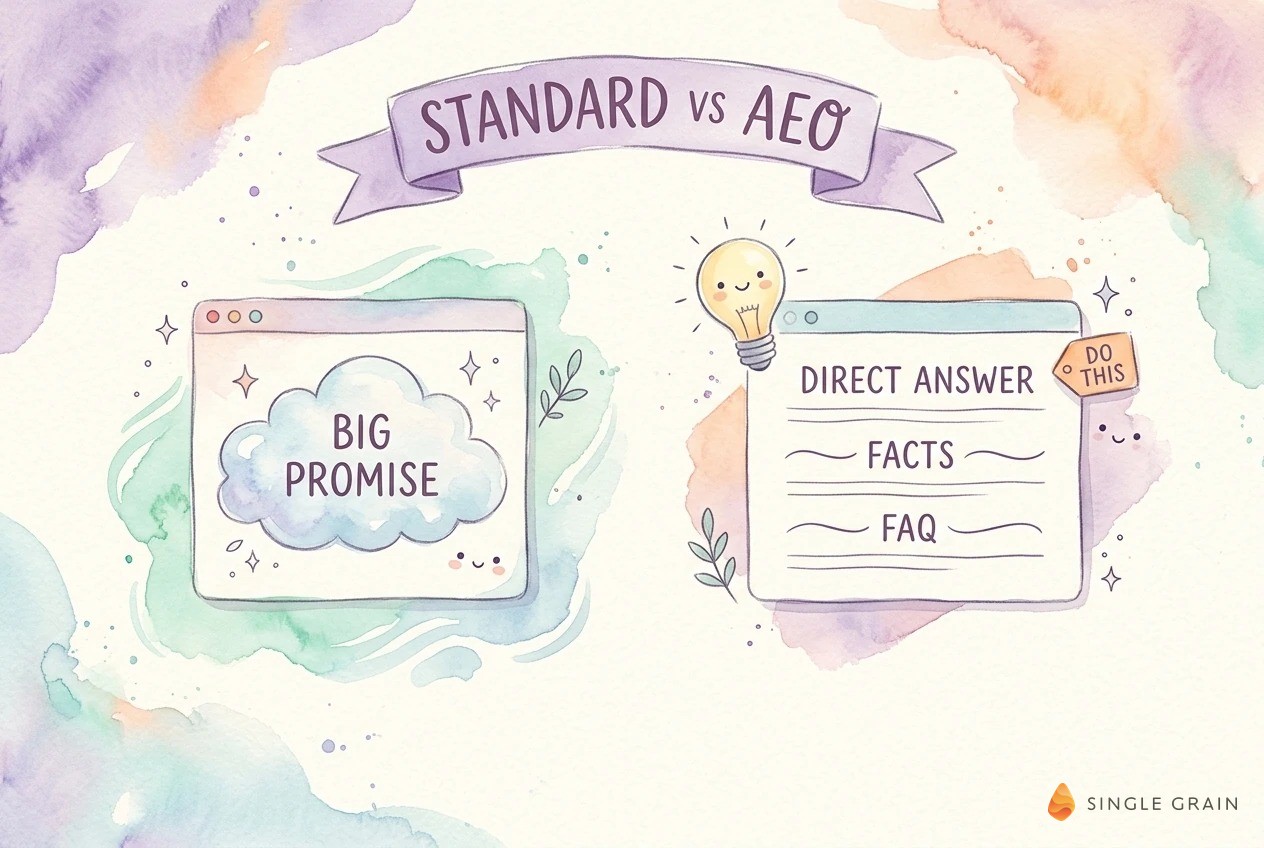
Standard landing page copy often opens with a big promise. AI-ready copy opens by answering the question a visitor likely asked. A page for invoicing software might lead with “Send an invoice in under two minutes, with automatic reminders.”
Facts Machines Can Quote
AI-ready pages state prices, limits, integrations, and timelines in plain sentences. A short FAQ block answers the follow-up questions buyers ask assistants. Vague claims like “best in class” give an AI system nothing to cite. Specific numbers, named integrations, and clear eligibility rules give both assistants and visitors something concrete to check.
Consistency With Your Other Content
AI assistants compare your landing page with your blog posts and help docs. If the details disagree, the assistant may hedge or skip you. My post on how LLMs interpret contradictions between blog content and landing pages explains how to keep them aligned.
| Pro-Tip |
|---|
| Write the AEO variant by listing the five questions visitors ask an AI assistant before they reach you. Answer each one on the page in two sentences or fewer. |
Good copy only helps if the right visitors see it, so start with who’s arriving.
Why AI Visitors Change the Test
AI-referred visitors often arrive later in their decision. They’ve already compared options inside a chat window. That shift can make an old test winner perform worse today.
What the Conversion Data Shows
The data points to higher intent. An Attrifast benchmark of two hundred Stripe-connected sites found AI referral traffic converted at 8.1% on pricing and checkout pages. Deep blog posts with an inline CTA converted at 3.2%, against 0.9% without one.
Shopify’s analysis of Q1 2026 data found AI-referred shoppers who started on product pages converted at rates nearly 50% higher than organic search shoppers. Your numbers will differ, which is exactly why a test beats a guess.
Confirm You Can See AI Traffic
Before you test, confirm you can see this traffic at all. Many analytics setups lump AI referrals into direct or generic referral traffic, which hides the segment you care about most. My guides to AI bot traffic vs. real revenue and tracking your ChatGPT mentions cover the setup.
How to Set Up Landing Page Split Testing for AEO Copy
A fair test changes one variable and measures it cleanly. Follow these steps in order:
- Write one hypothesis. For example, “AEO copy will raise qualified demo requests from AI-referred visitors.”
- Build the variant. Rewrite headings, body copy, and FAQs, and keep layout, images, and the form identical.
- Set the sample size. Use a calculator to estimate how many visitors each version needs before you start.
- Tag traffic sources. Make sure AI referrers, search, paid, and direct visits are labeled before launch.
- Run the test for full weeks. Cover at least two full business cycles so weekday swings even out.
Sample size and segmentation deserve extra detail, because most broken copy tests fail on one of them.
Pick a Sample Size and Duration
Small tests produce noisy winners. Plug your baseline conversion rate and the lift you hope to detect into a tool like Evan Miller’s sample size calculator. If your traffic can’t reach the number in a month, test a bigger change or a higher-traffic page.
Segment by Traffic Source
AI-referred visitors may be a small slice of the total. Report results for that segment separately, along with the overall result. A variant can lose overall and still win clearly with the AI-referred visitors you wrote it to reach. Treat each segment as its own readout, and note how many conversions each one has before you trust it.
Setup gets the traffic in, but the form decides whether you can trust the data coming out.
QA Your CRM Form Fields Before Launch
Form problems are the quiet killer of split tests. If a variant sends leads with missing source data, you can’t tie results to pipeline.
Hidden Fields and UTM Capture
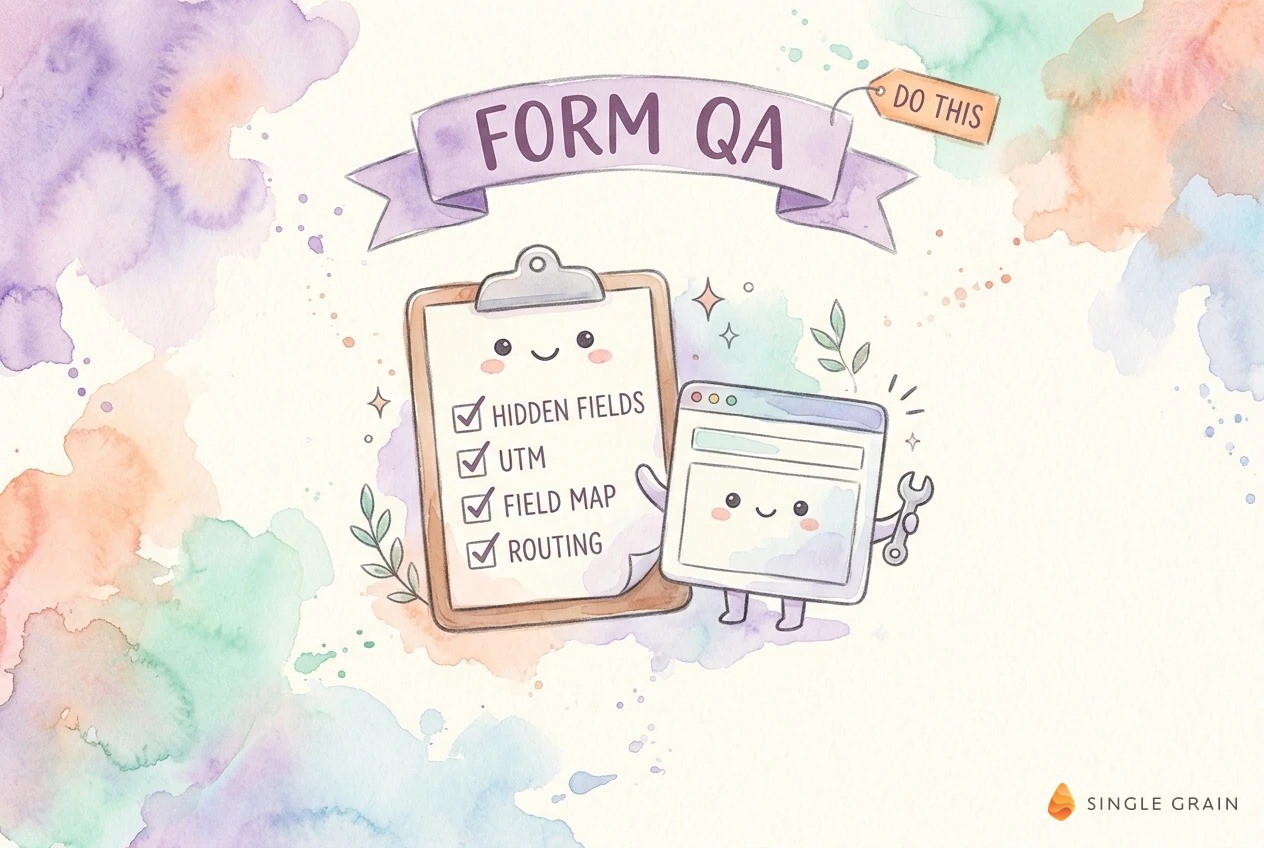
Check that hidden fields capture the variant name, UTM parameters, and the original referrer on both versions. Submit a test lead from each variant and each major traffic source. Then open the record in your CRM and confirm every value arrived.
Keep a simple QA sheet listing each test submission, the expected values, and what the CRM actually stored. The sheet doubles as proof when someone questions the results later. Store it next to the test plan so anyone reviewing the outcome can see exactly what was checked.
Field Mapping and Sync
Make sure both variants map to the same CRM properties. A renamed field on one version can drop data without any error. If you sync HubSpot and Salesforce, review my guide on fixing a HubSpot Salesforce sync before launch.
Lead Routing and Scoring
Confirm leads from both variants enter the same routing and scoring rules. Otherwise, one version may look better only because its leads skip a queue. My post on lead scoring that predicts revenue explains how to validate scores.
| Pay Attention |
|---|
| Re-run your QA after any form or CRM change during the test. One mid-test edit can split your data into two incompatible halves. |
Clean data sets up the last step, which is deciding what actually won.
How to Read the Results
Look past the headline conversion rate. Compare qualified leads, pipeline created, and, where possible, closed revenue for each variant.
Avoid Stopping Early
Checking results daily tempts teams to stop the moment a variant pulls ahead. Early leads often fade. Wait for the planned sample size before you call a winner. Write down the stop date and the decision rule before launch so nobody changes the goalposts halfway through.
Decide What to Roll Out
If the AEO variant wins with AI-referred visitors, roll its strongest answers into your other pages. If it loses, review which answers fell flat and test again. Pick tools that support segment reporting, using this guide to conversion rate optimization tools. For comparison pages, see CRO for comparison content influenced by AI search.
Prove AI-Ready Copy Converts Before You Roll It Out
A landing page split test turns the AEO debate into data. Keep layout identical, segment AI-referred visitors, QA every form field, and judge winners on qualified pipeline. You’ll know whether AI-ready copy earns its place on your highest-value pages.
If you want help building and testing pages for AI search, Single Grain offers search everywhere optimization services and marketing funnel services.
Frequently Asked Questions About Landing Page Split Tests
-
What is a landing page split test?
A landing page split test sends visitors at random to two or more versions of a page and compares how each converts on a chosen metric.
-
What is AEO copy on a landing page?
AEO copy answers likely visitor questions directly and states facts like prices, limits, and integrations in plain sentences that AI assistants can quote.
-
How long should a landing page split test run?
Run it until each version reaches the sample size you planned, and cover at least two full business cycles so weekday swings even out.
-
Should I segment AI-referred traffic in a split test?
Yes. AI-referred visitors often arrive with higher intent, so report their results separately alongside the overall result.
-
What should I QA in CRM forms before a split test?
Check hidden fields for variant name, UTM, and referrer, confirm both versions map to the same CRM properties, and make sure leads enter the same routing and scoring. See fixing a HubSpot Salesforce sync for sync issues.